 AI Halloween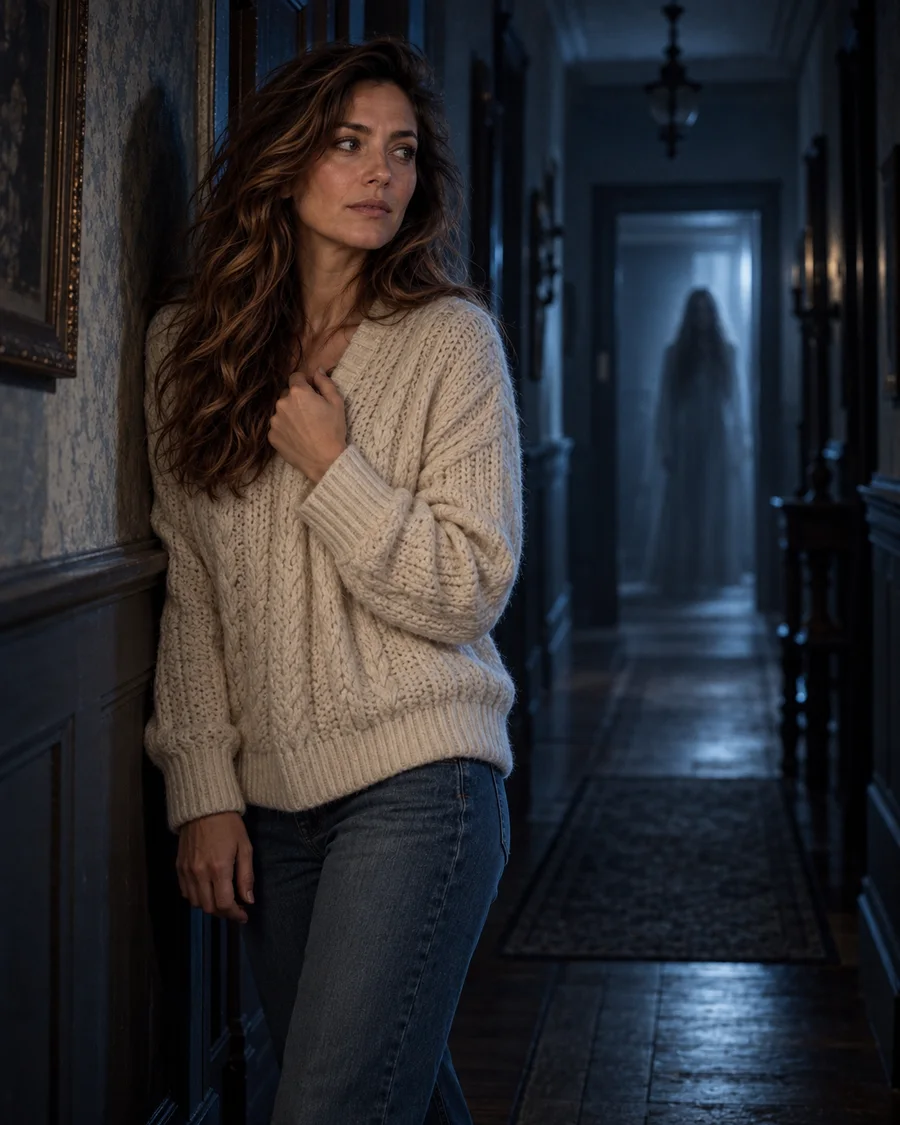
Look preview. Your own result depends on your photo.
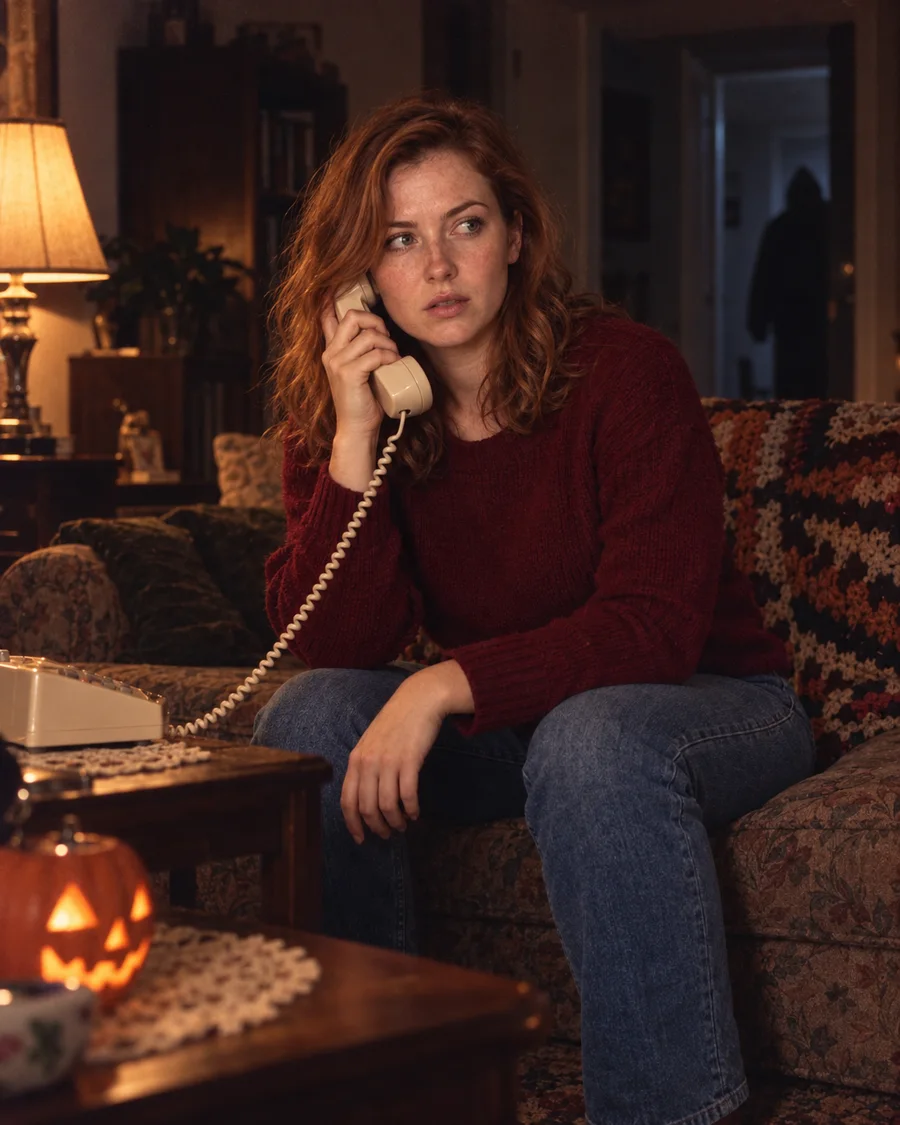
Step into an old hallway with a ghost behind you
Create a cinematic old hallway portrait with one distant, translucent ghost. Your face stays recognizable; the cream sweater, jeans, pose, lighting and background are new.
Look
Your photo
Use a clear photo with your face fully visible. The old hallway, cream sweater, jeans and pose are created for you.
By uploading, you agree to our acceptable use policy and privacy policy.
Your Halloween photos appear here
Pick a look, upload your photo and create. Your results will appear here, ready to open and save.
Ghost Behind You places the person in your photo in a dark old hallway, wearing a cream sweater and jeans, with one translucent ghost far behind. The scene, outfit, expression, pose and framing may change; your identity and facial features are intended to stay. Generated details can vary.
Look preview. Your own result depends on your photo.
The same person and natural proportions, without added face makeup. Generated details can vary.
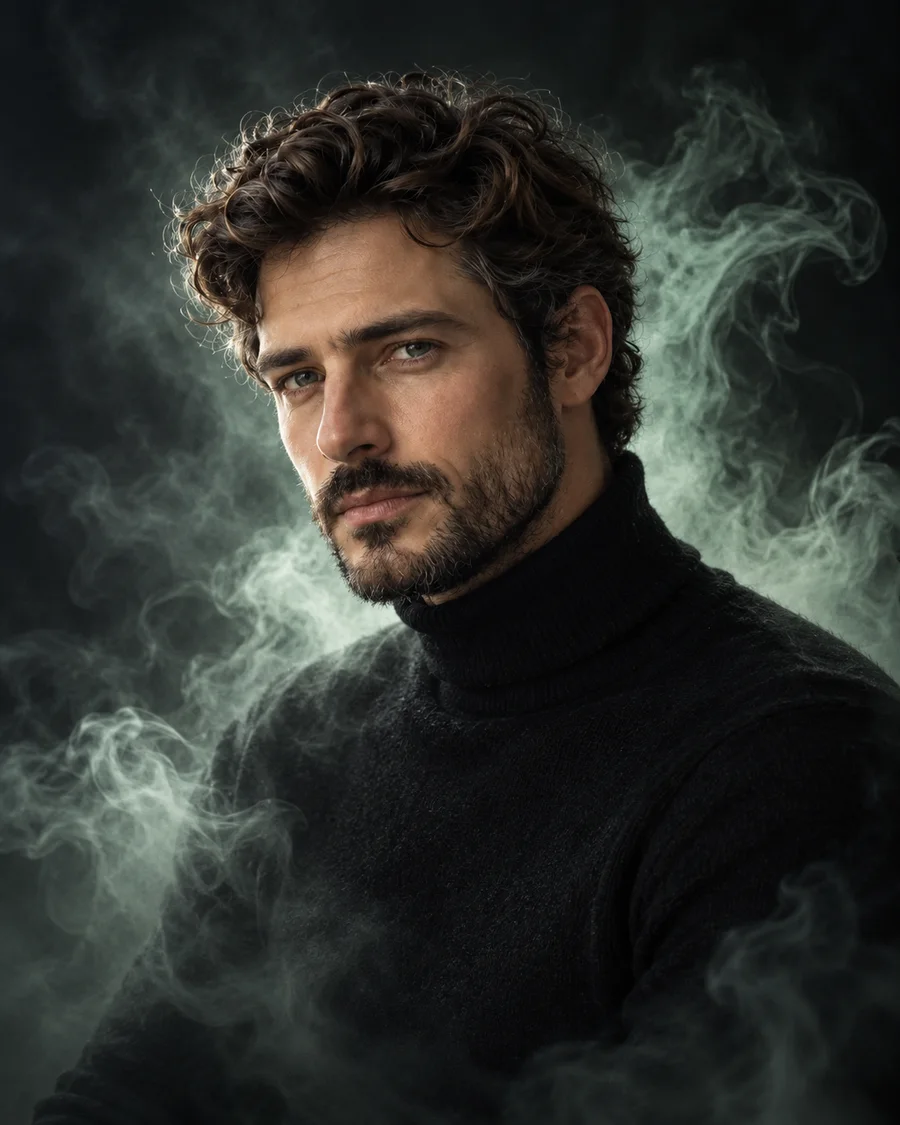
A new dark scene, outfit, expression, pose, framing and lighting, with a ghost or mint aura.
Choose a costume, a photoshoot scene or a spooky effect.
Use a clear, well-lit photo of one person with the face visible.
Choose a quality, create your photo, then open it to save.
Still have a question? Email us at support@aihalloween.me
Upload your photo and keep Ghost Behind You selected, choose a photo shape, then create. You appear in a newly created old hallway with one distant ghost.
The hallway, cream sweater, jeans, expression, pose and lighting may change. The look is designed to preserve your identity and facial features, without face swapping, facial reshaping or added face makeup. Generated details can vary.
The ghost is placed far behind you in the hallway, clear of your face. Placement is chosen for you, with no manual controls.
Partly. New accounts get 2 free credits, enough for 1 Standard photos. After that, Standard costs 2 credits, Pro 5 and Ultra 20. See pricing
Usually 1 to 2 minutes. Your photo shows up under Recent as soon as it's ready, and it's saved in your history.
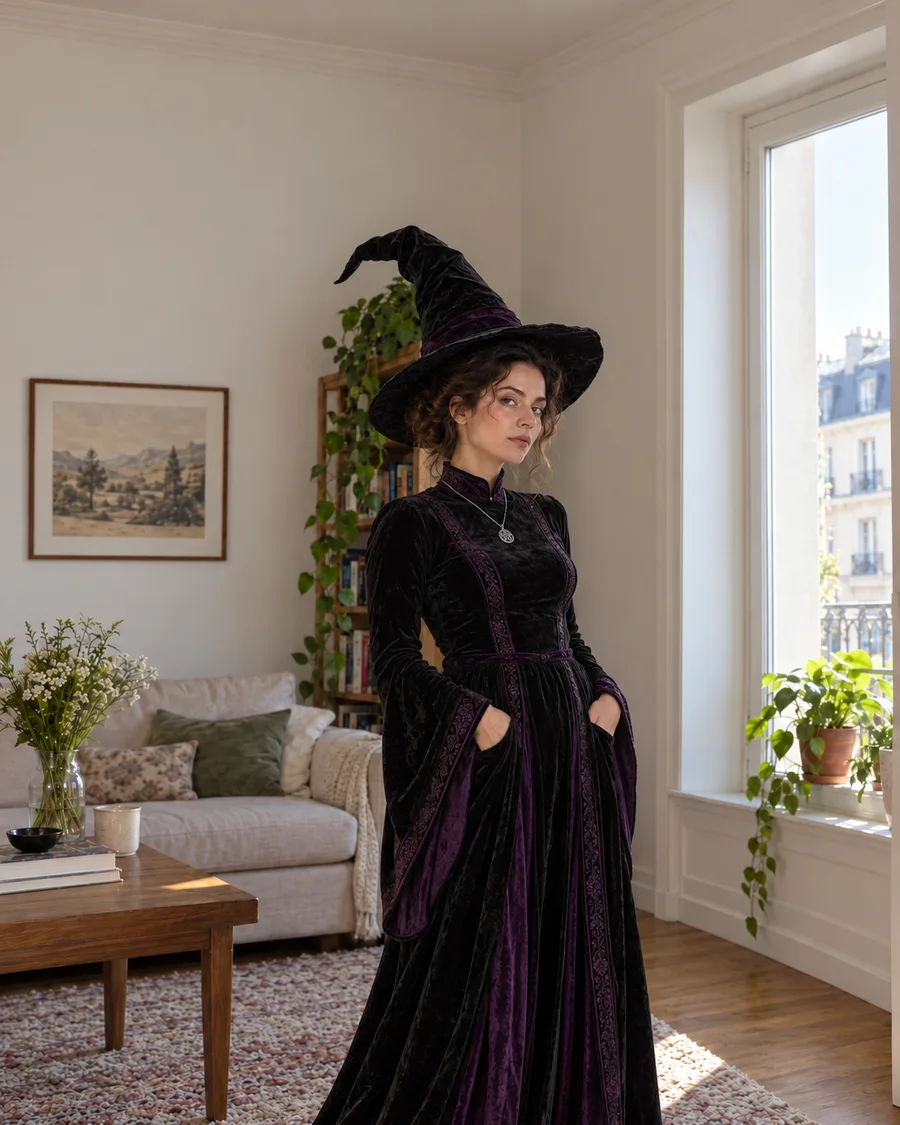
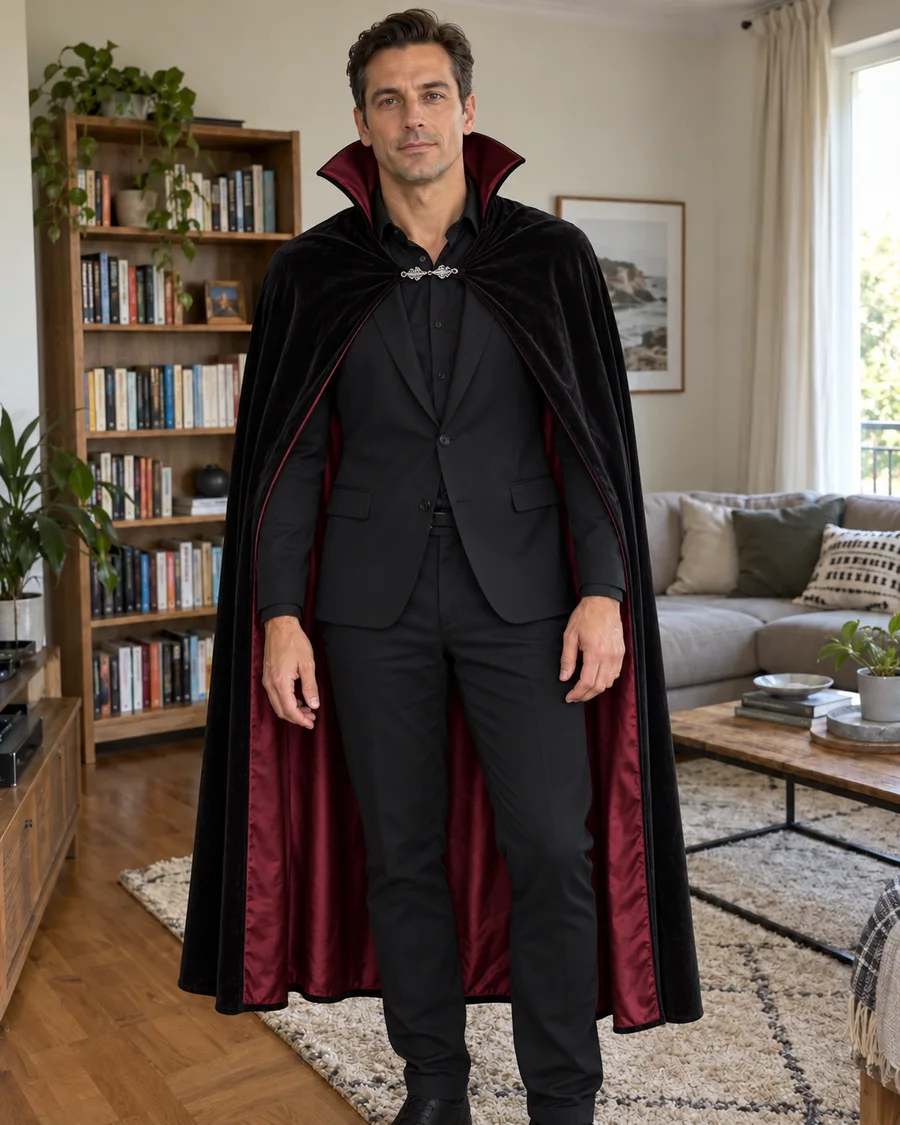
Try a witch, vampire or skeleton costume on your own photo.
Get a brand-new Halloween portrait in a cinematic scene, from a moonlit garden to a gothic mansion.
Upload a photo, pick a look and see yourself in it.
Create my Halloween photo