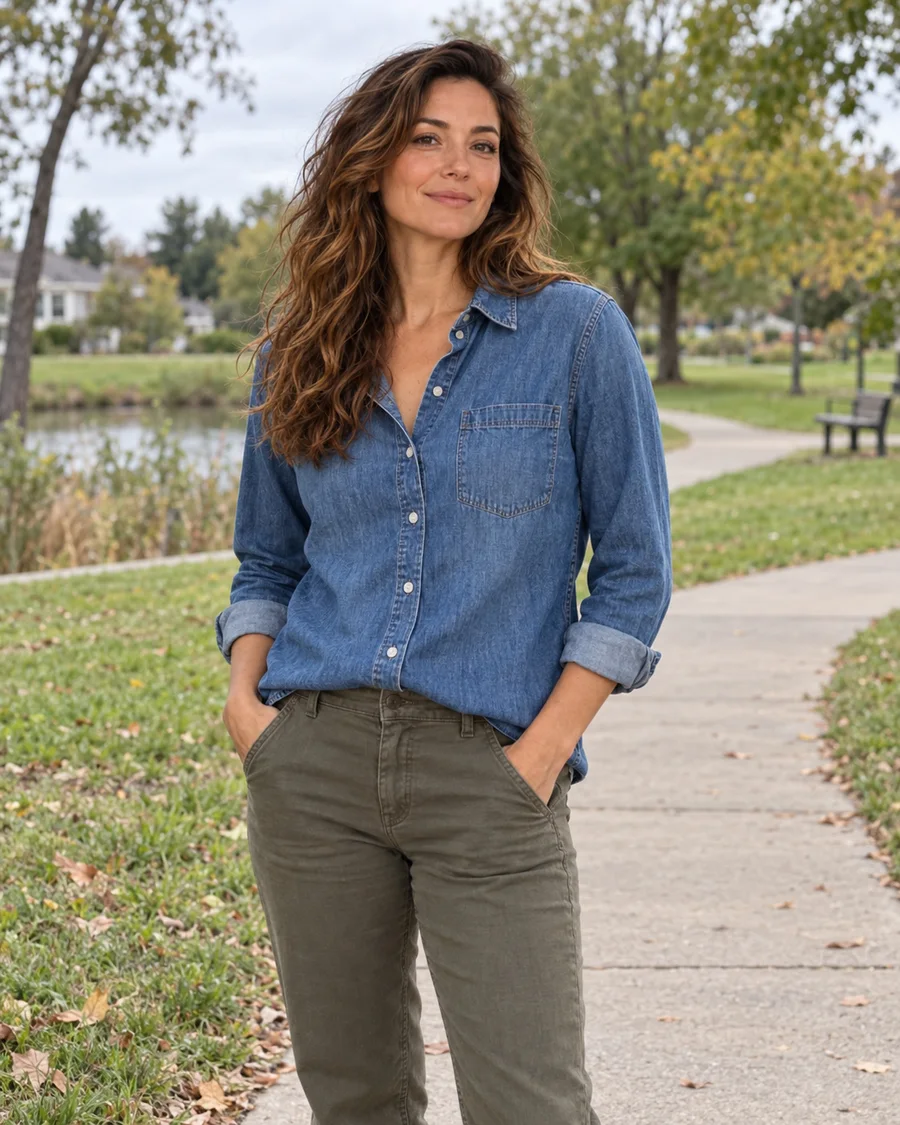
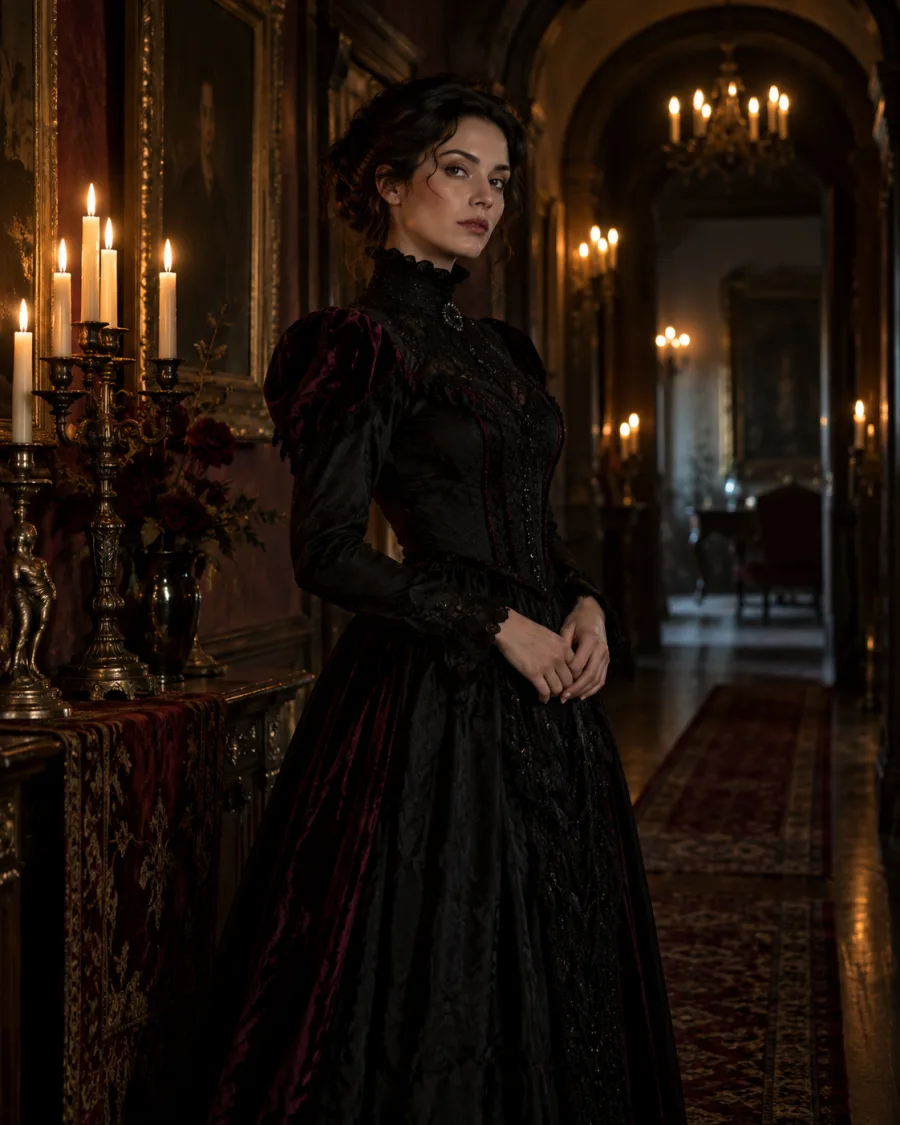
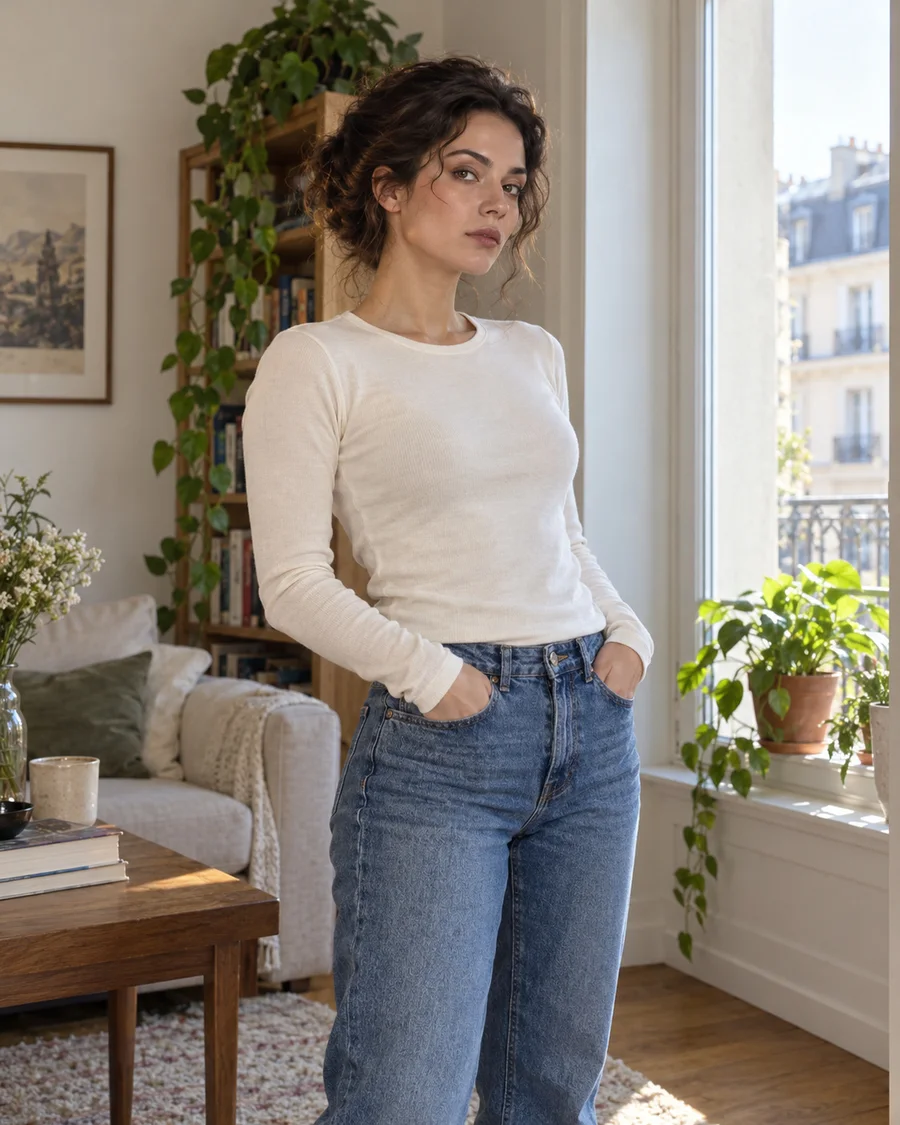
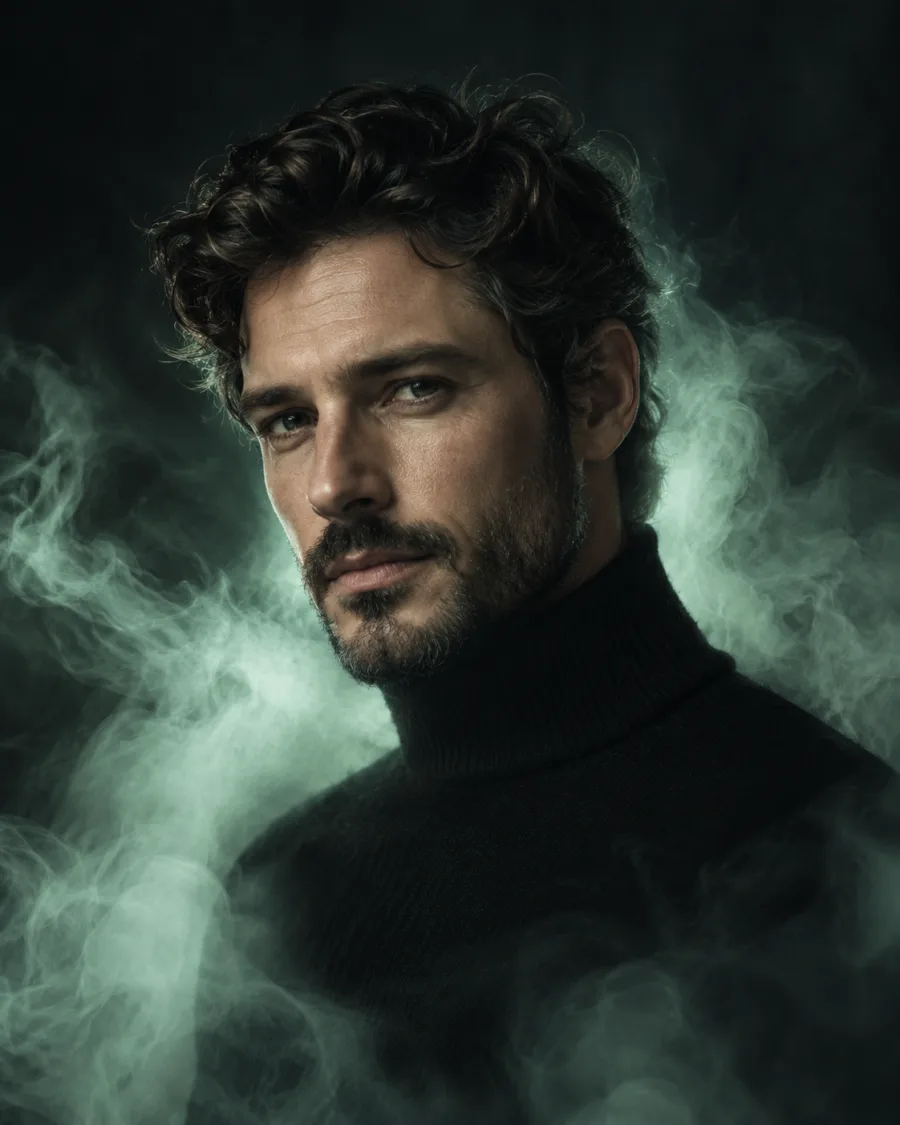
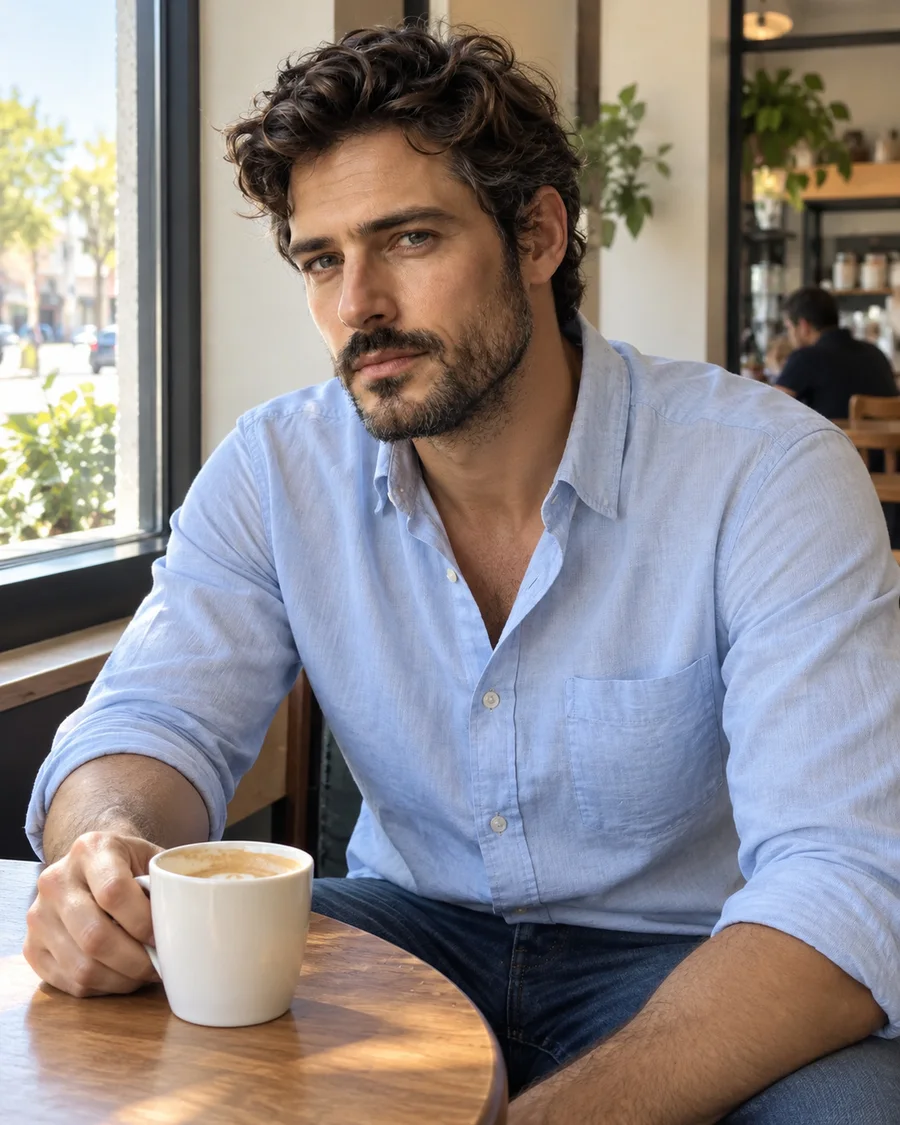
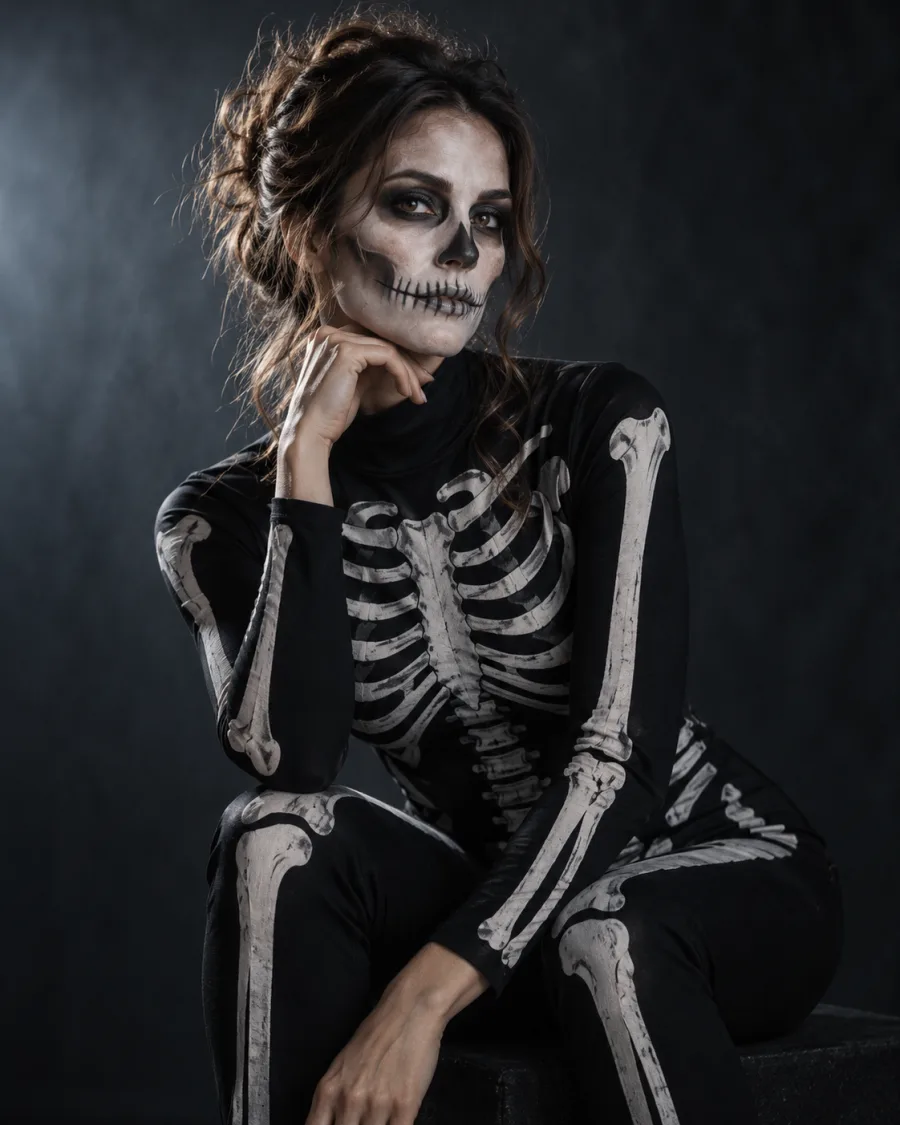
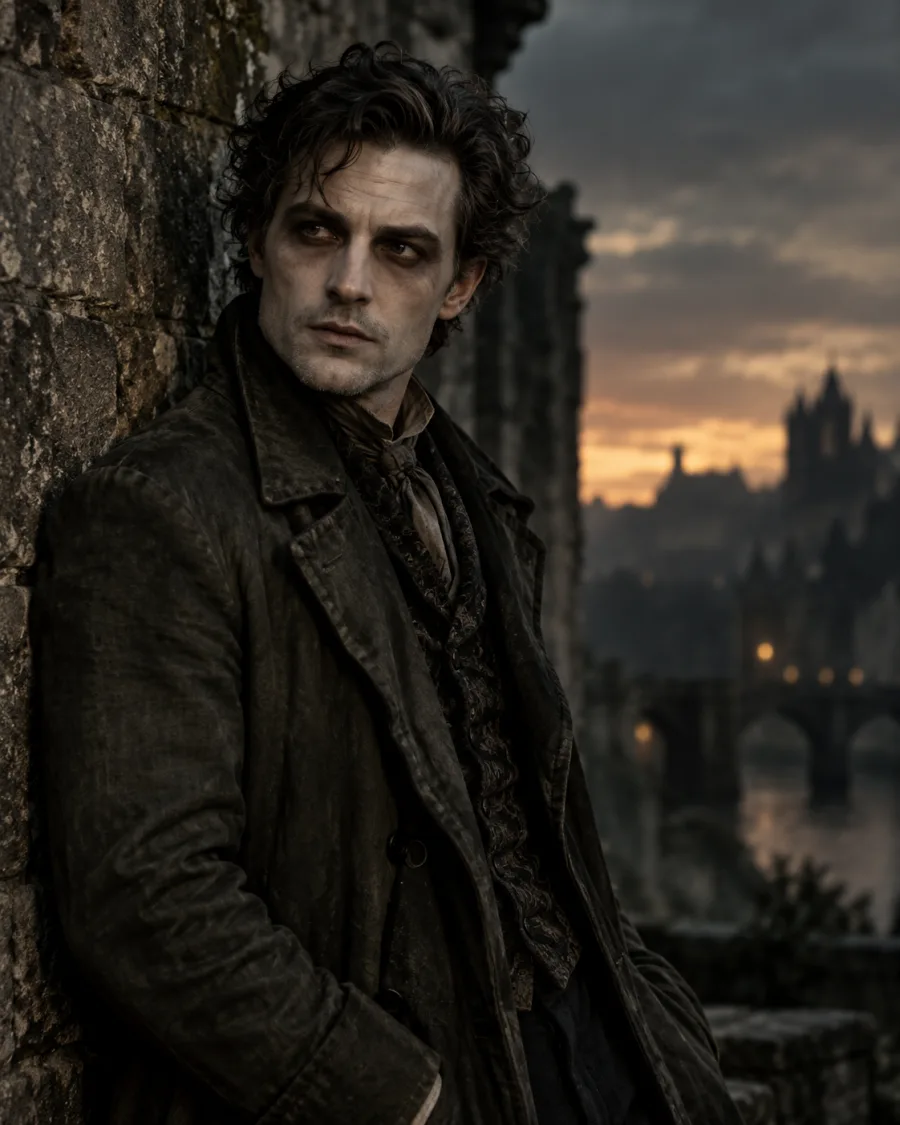
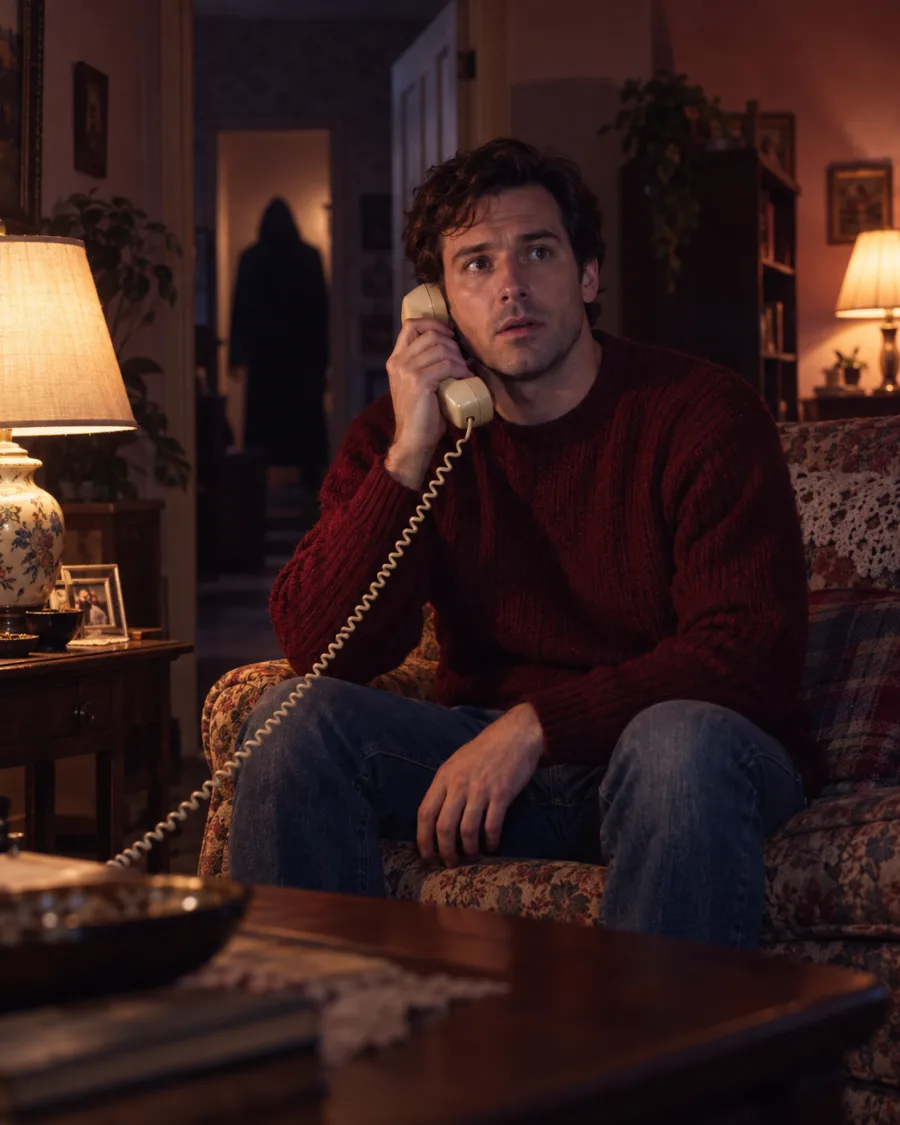
How do I make an AI Halloween photo?
Upload a clear photo, pick Photoshoot, Costume Try-On or Spooky Effects, choose a look and create. No prompt and no real costume needed.
Will my Halloween photo still look like me?
Yes, that's what each look is built for: your outfit, scene or effect changes while your face stays recognizable. Results vary with the photo, and a clear, well-lit photo with your face fully visible works best.
What kind of photo works best?
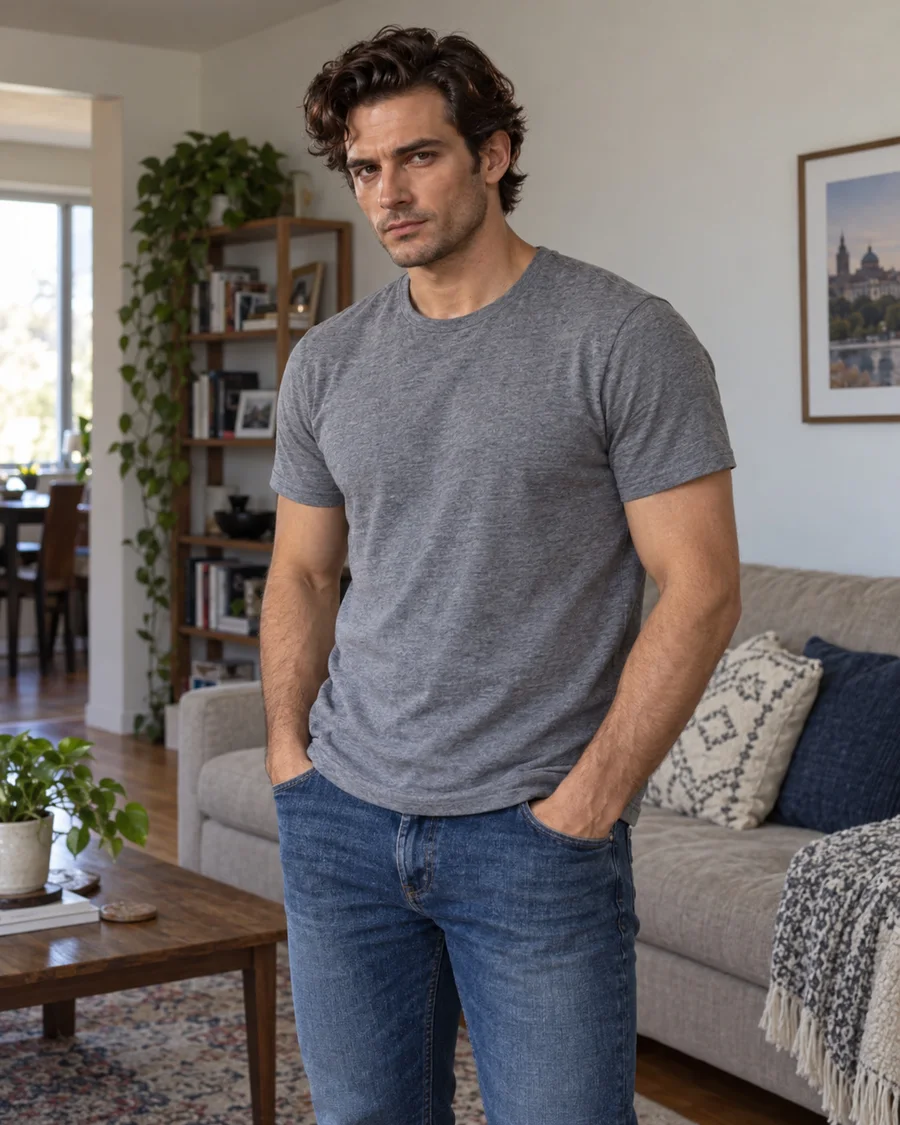
A clear, well-lit photo of one person with the face visible. A selfie is great for portraits; a half-body or full-body photo shows more of a costume.
What is the difference between a Halloween filter and a costume generator?
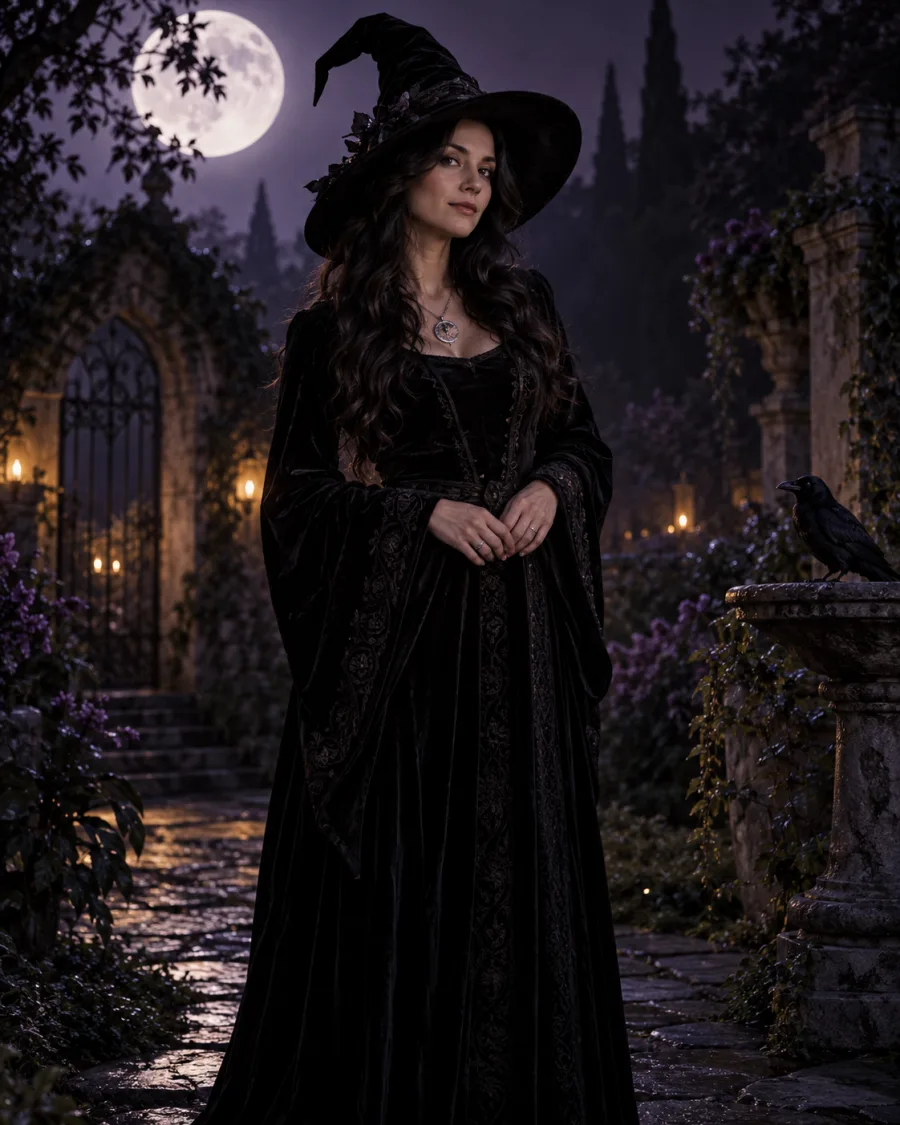
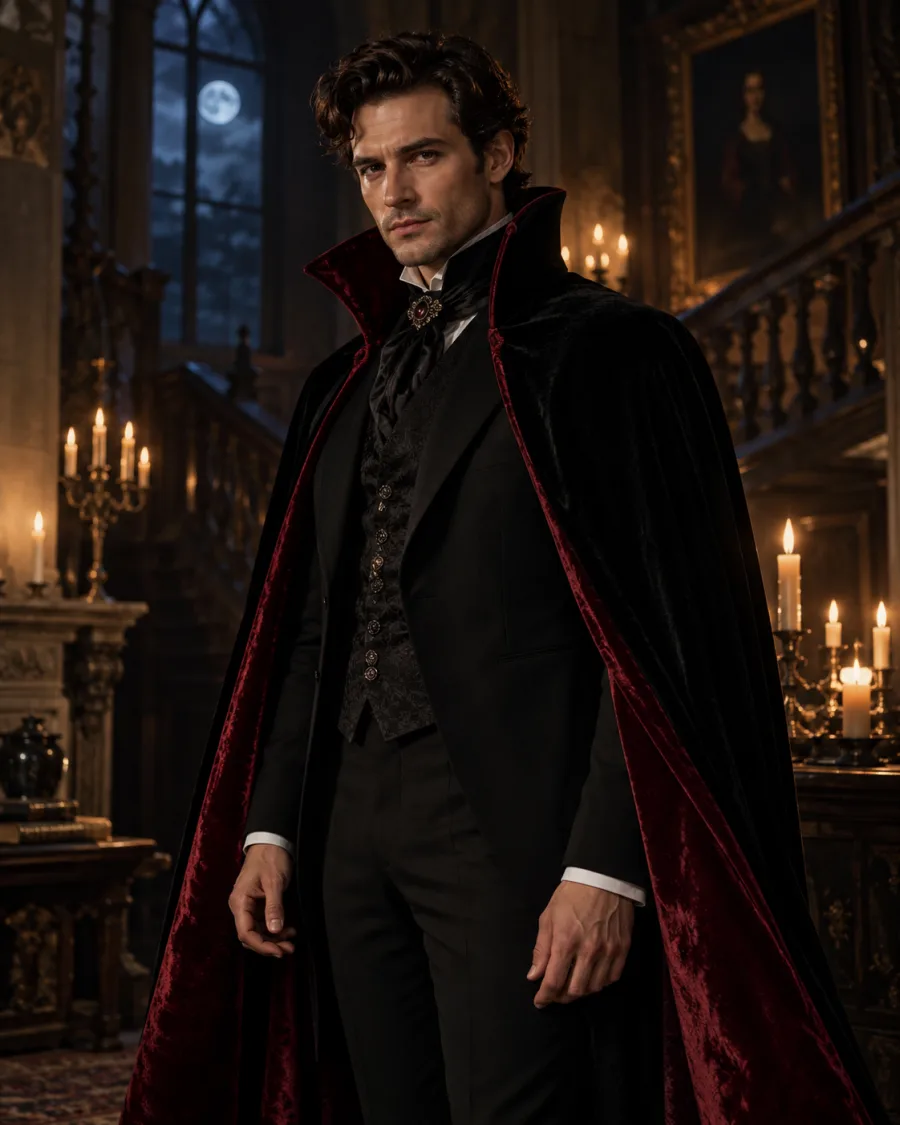
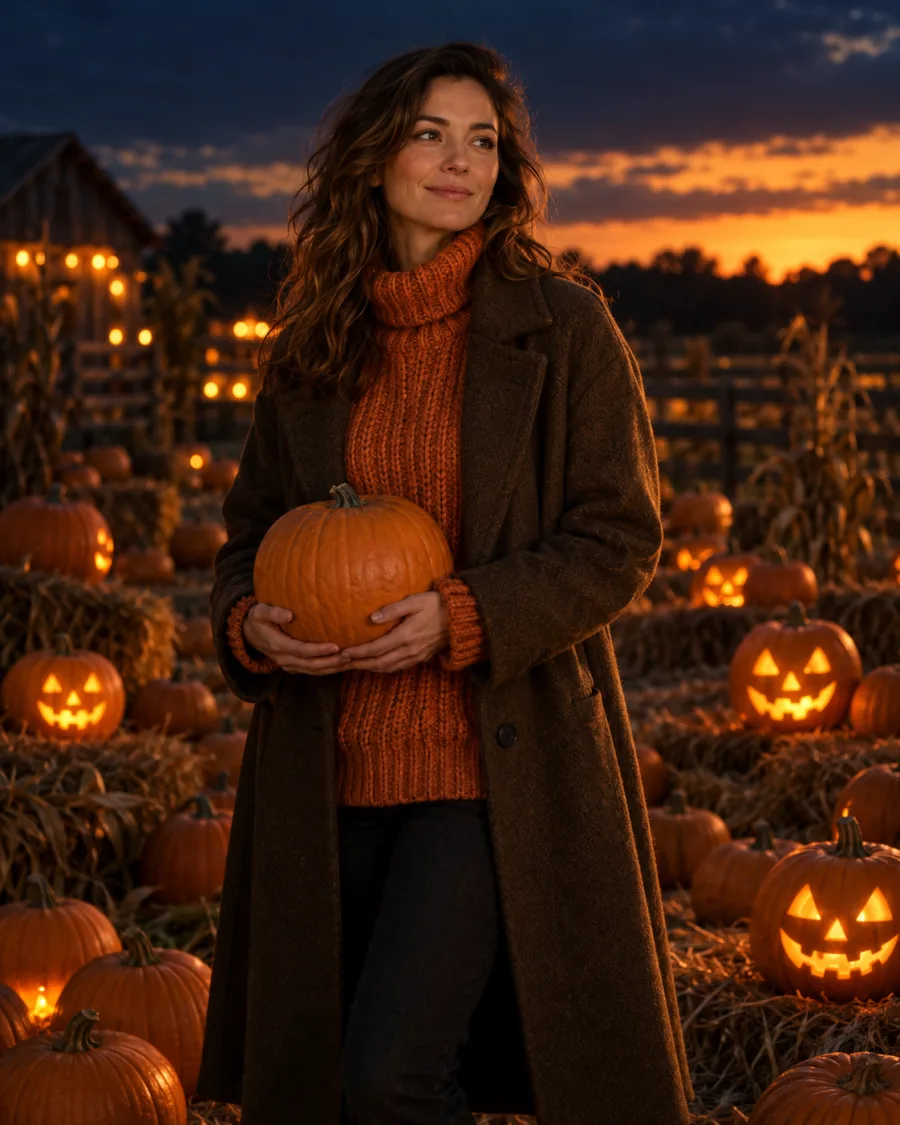
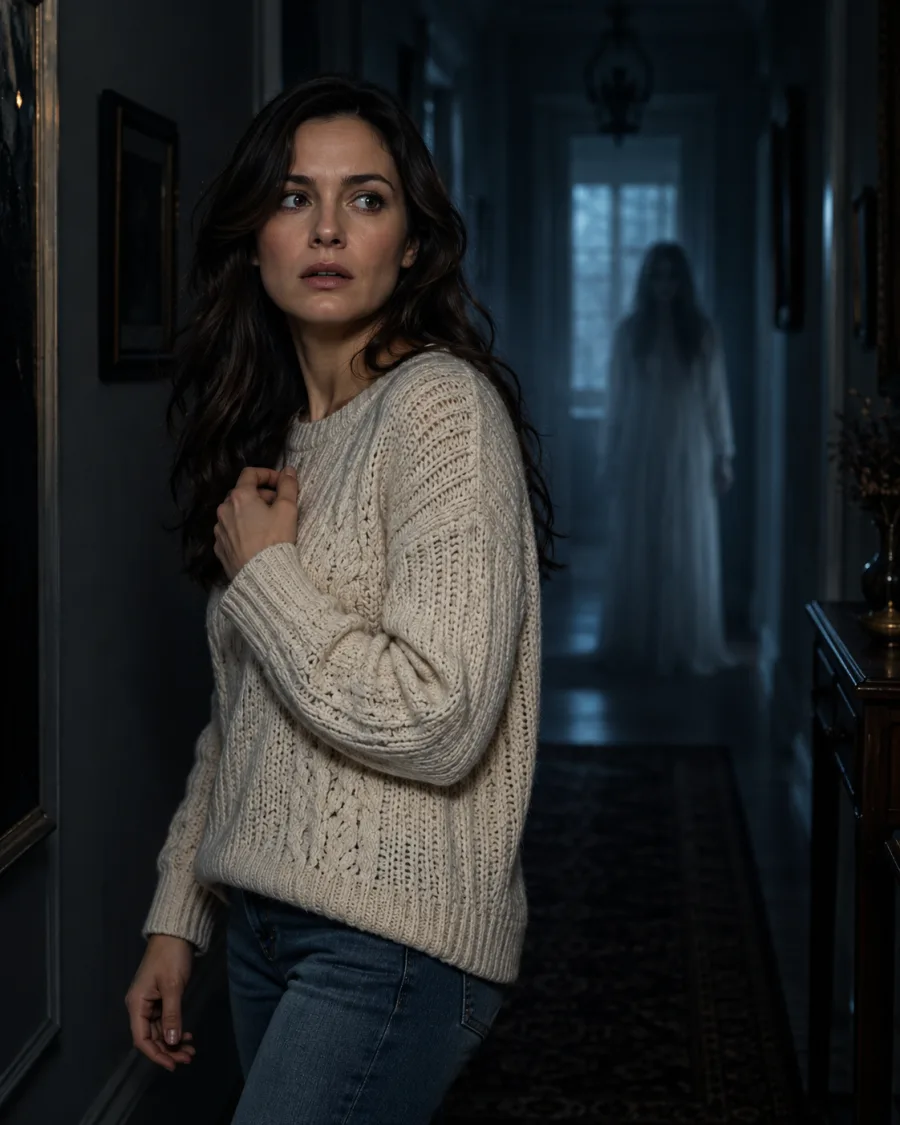
A filter adds an effect on top of your photo, while a costume generator changes what you appear to wear. Costume Try-On changes your outfit and keeps your pose and background. Photoshoot builds a new scene around you, and Spooky Effects adds a ghost or glow.
Why use this instead of writing a prompt in a chat?
Because the hard part is already done. Pick a ready-made look instead of writing instructions from scratch, and keep your upload, look and results in one place. A general-purpose image tool suits you better if you want to write fully custom instructions.
Can I make a profile picture or a Story?
Yes. Photoshoot offers 1:1 for a square profile image, 9:16 for a vertical Story and 3:4 for a portrait. Costume Try-On and Spooky Effects use your photo’s original shape.
Is it free?
No. Standard photos cost 2 credits, Pro 5 and Ultra 20. Credit packs start at $9.99 and there's no subscription. See pricing
Can I keep my original background?
Yes, in Costume Try-On and Spooky Effects. Your background and pose carry over, though small details can change. Choose Photoshoot if you'd rather have a new scene.
How long does it take?
Usually 1 to 2 minutes. Your photo shows up under Recent as soon as it's ready, and it's saved in your history.
What happens if a photo fails?
If a photo can't be created, its credits go back to your account automatically. The one exception is a finished image blocked by our safety check, which keeps its credits. Refund policy
Can I download my photo?
Yes. Open the finished photo full size and save it as a JPG. It's also kept in your history so you can come back to it.
Is my photo private?
Your photo is used only to create the images you ask for and isn't shown to other visitors. How long uploads and results are kept is explained in our privacy policy. Privacy policy
 AI Halloween