 AI Halloween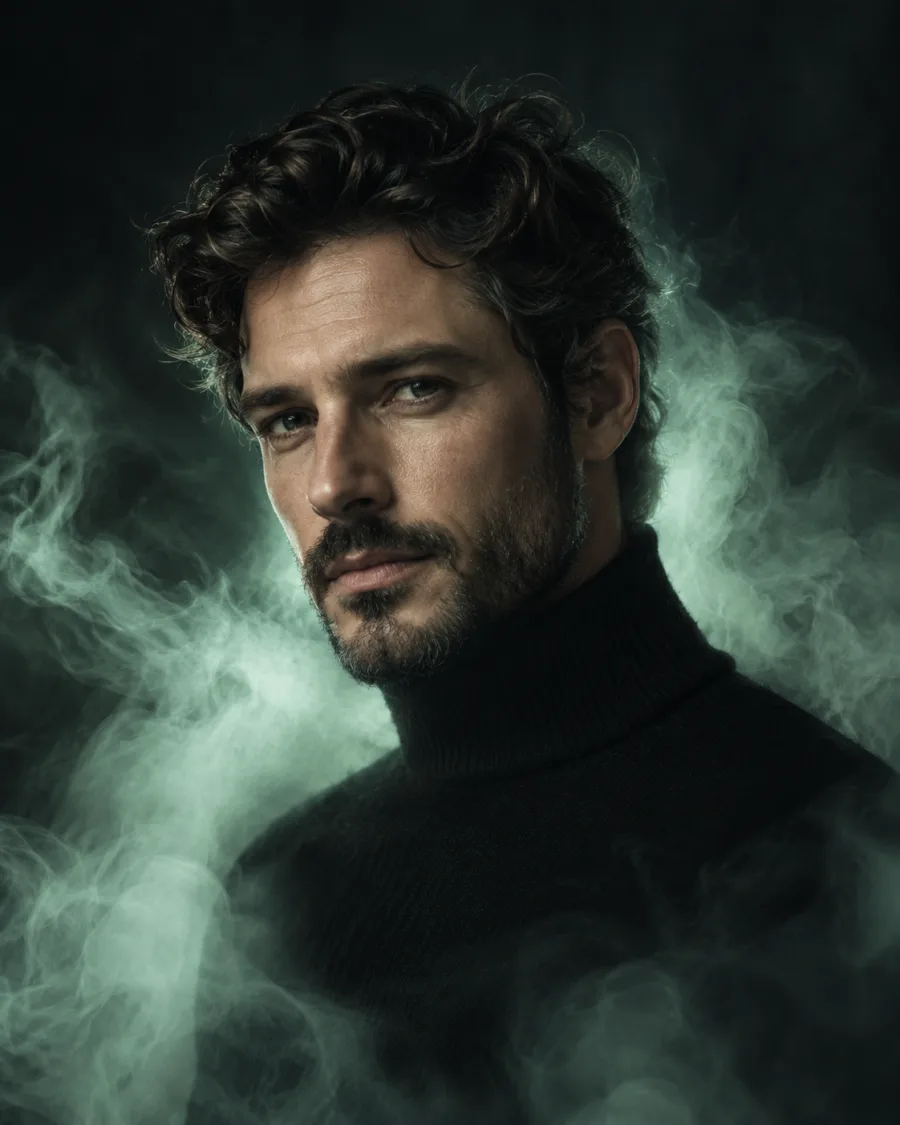
What stays
You, your clothes and the scene. Small details can vary.
Make your photo a little haunted
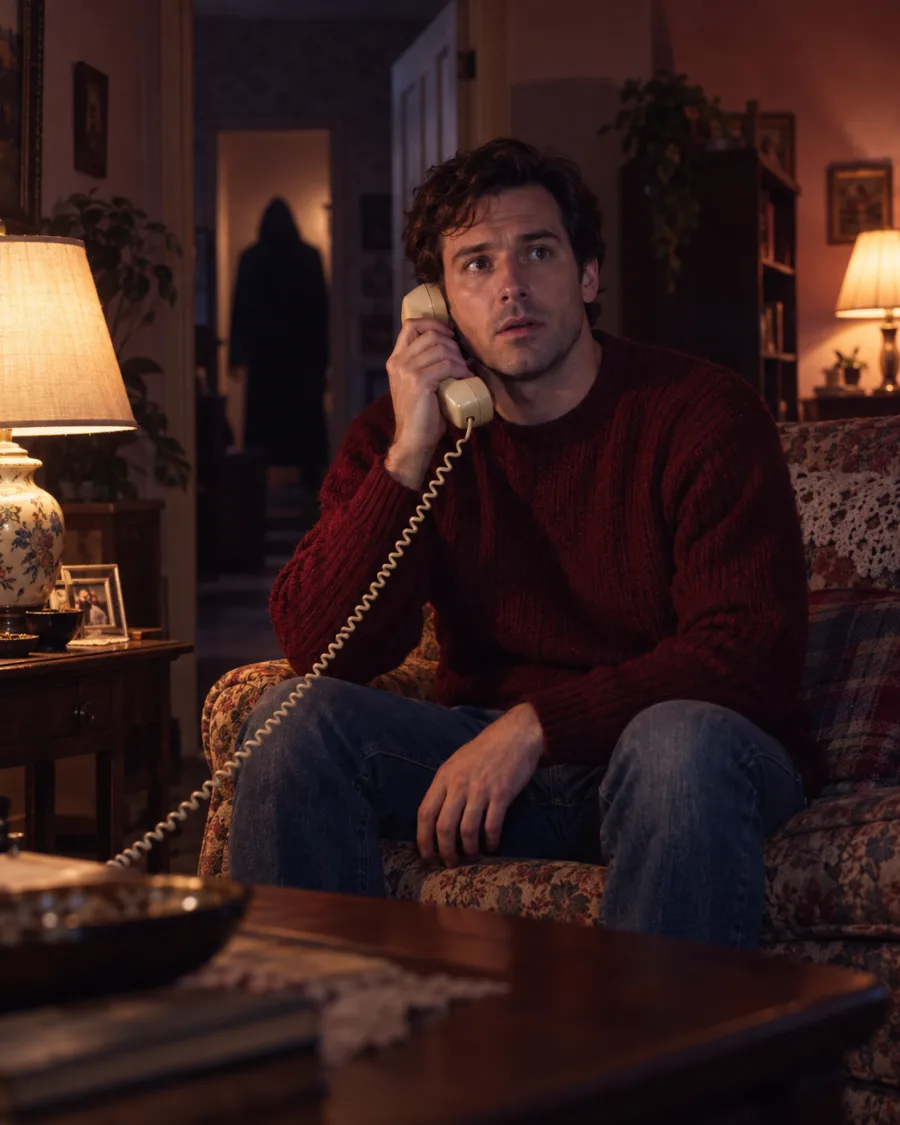
Add a ghost behind you or a ghostly glow around you, blended into your photo's light. You and the scene stay as they are.
Look
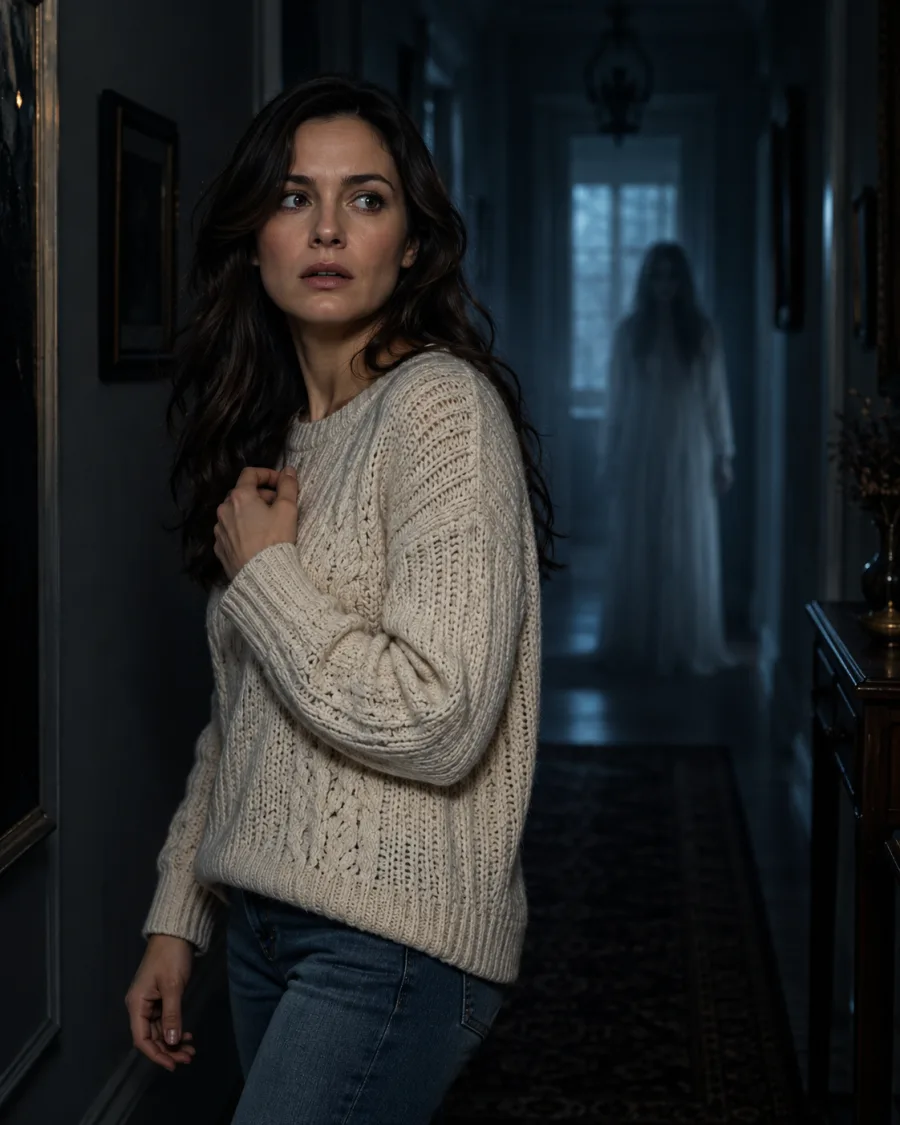 Ghost Behind You
Your photo
Use a clear photo of one person facing the camera.
By uploading, you agree to our acceptable use policy.
Your Halloween photos appear here
Pick a look, upload your photo and create. Your results will appear here, ready to open and save.
You, your clothes and the scene. Small details can vary.
A ghost or mist blended into the photo. Where it appears and how strong it is are chosen for you.
Photos with some space around you leave room for a ghost. Indoor and night photos look especially eerie. Use a sharp photo; the effect matches its lighting.
Choose a costume, a photoshoot scene or a spooky effect.
Use a clear, well-lit photo of one person with the face visible.
Choose a quality, create your photo, then open it to save.
A visible background or open space behind you gives Ghost Behind You somewhere to appear. A tightly cropped face leaves less room.
Choose Ghostly Aura for pale mist and a glow around you, rather than a separate figure in the background.
Indoor and evening photos suit the eerie mood. Your scene carries over, though fine details may vary.
Still have a question? Email us at support@aihalloween.me
They add a ghost or a pale glow to a photo you already have, keeping you and the scene as they are. Small details can change.
Upload your photo, pick Ghost Behind You and create. A faint, see-through figure appears in the background, matched to your photo's light and perspective.
It's built to stay clear of faces: the ghost sits in the background and the glow stays around you.
Yes. A sharp, well-lit photo from a past Halloween can work too. Make sure everyone pictured is 18 or older and has agreed to its use.
Not exactly. Placement and strength are chosen for you, with no manual controls. A photo with space behind or around you gives the effect more room.
No. Standard photos cost 2 credits, Pro 5 and Ultra 20. Credit packs start at $9.99 and there's no subscription. See pricing
Usually 1 to 2 minutes. Your photo shows up under Recent as soon as it's ready, and it's saved in your history.
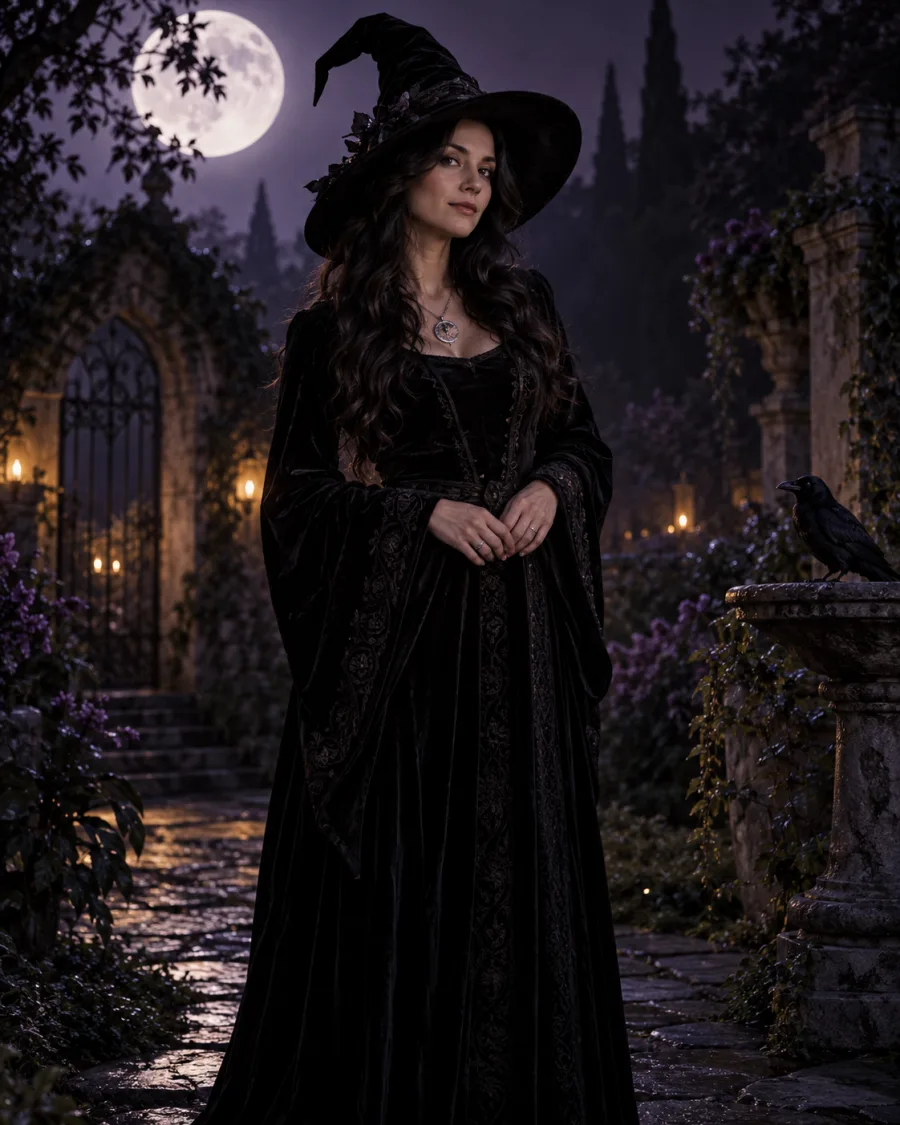
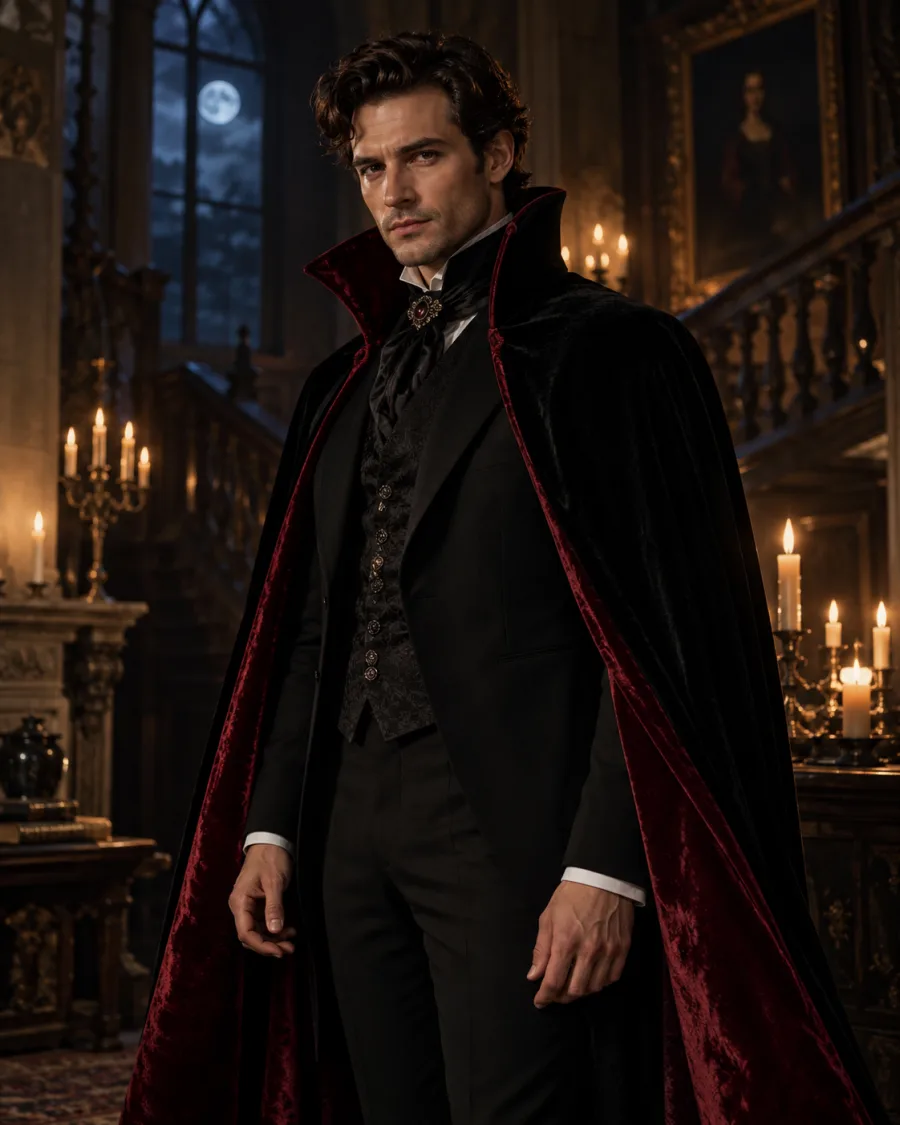
Try a witch, vampire, skeleton or zombie costume on your own photo.
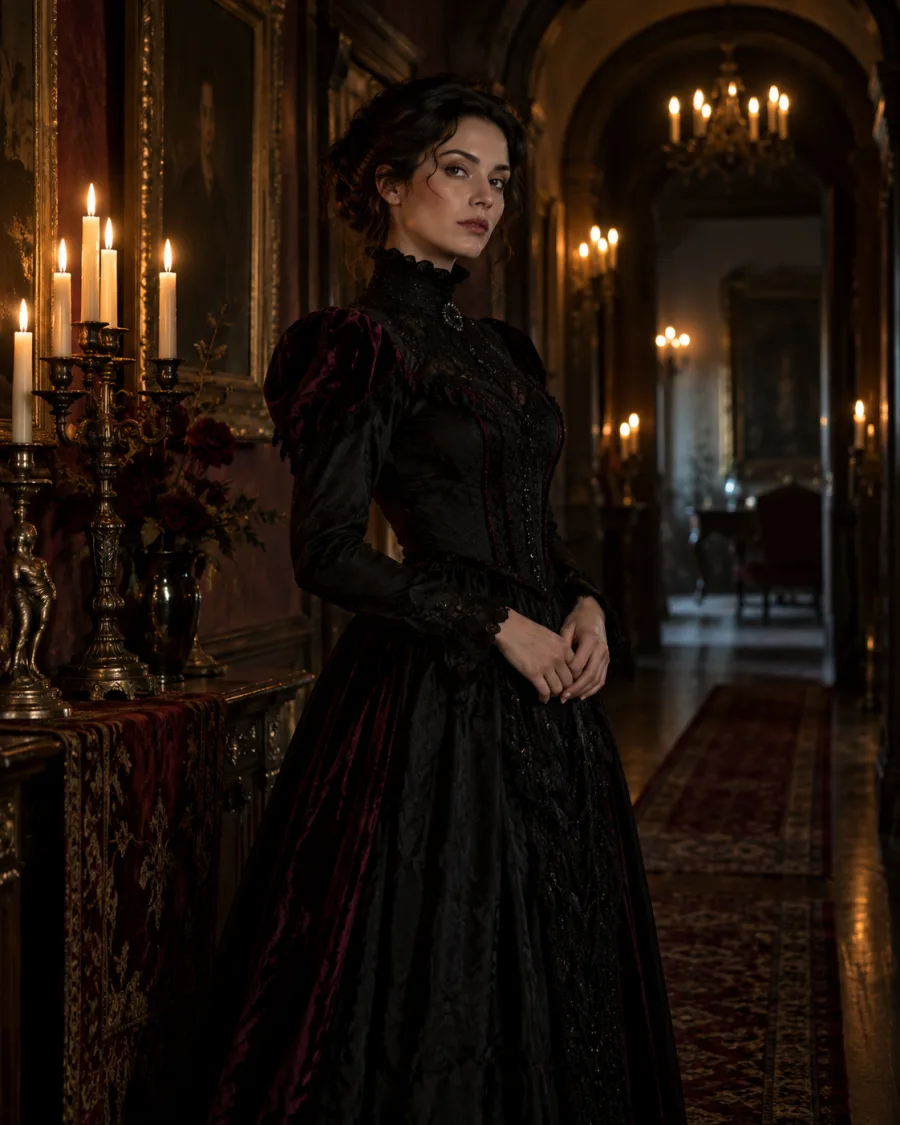
Get a brand-new Halloween scene with you in it, styled and lit for the look you pick.
Upload a photo, pick a look and see yourself in it.
Create my Halloween photo