 AI Halloween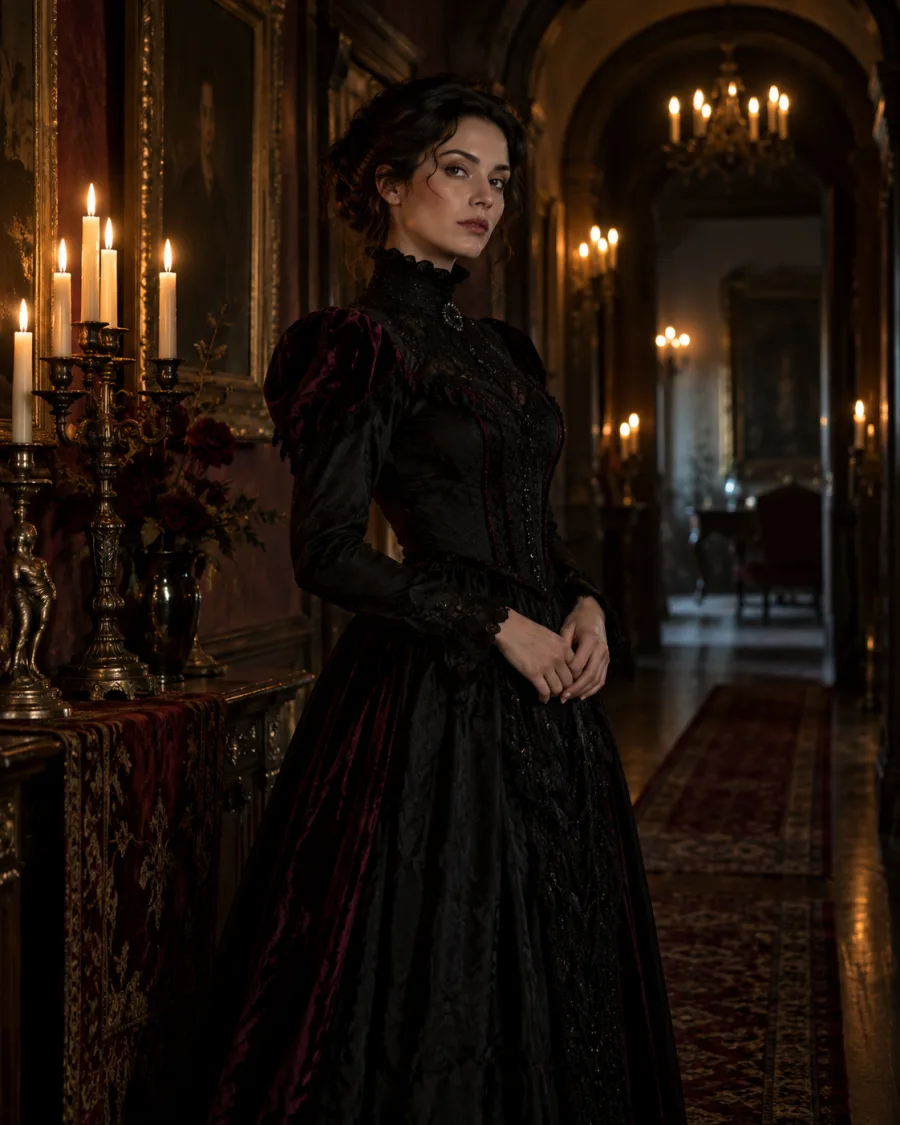
What stays
Your face and natural proportions. Results vary with your photo.
Star in your own Halloween photoshoot
Upload a selfie and step into a Halloween scene styled and lit for the look you pick. You stay recognizable; everything around you is new.
Look
 Y2K Horror
Your photo
Use a clear photo of one person facing the camera.
By uploading, you agree to our acceptable use policy.
Your Halloween photos appear here
Pick a look, upload your photo and create. Your results will appear here, ready to open and save.
Your face and natural proportions. Results vary with your photo.
The scene, outfit, lighting, pose and framing.
Use a clear photo with your face fully visible. Soft, even light works better than harsh shadows. Any framing works, since the scene is created around you.
Choose a costume, a photoshoot scene or a spooky effect.
Use a clear, well-lit photo of one person with the face visible.
Choose a quality, create your photo, then open it to save.
A well-lit selfie gives the new portrait a useful starting point. Avoid a face hidden by sunglasses, hair or deep shadows.
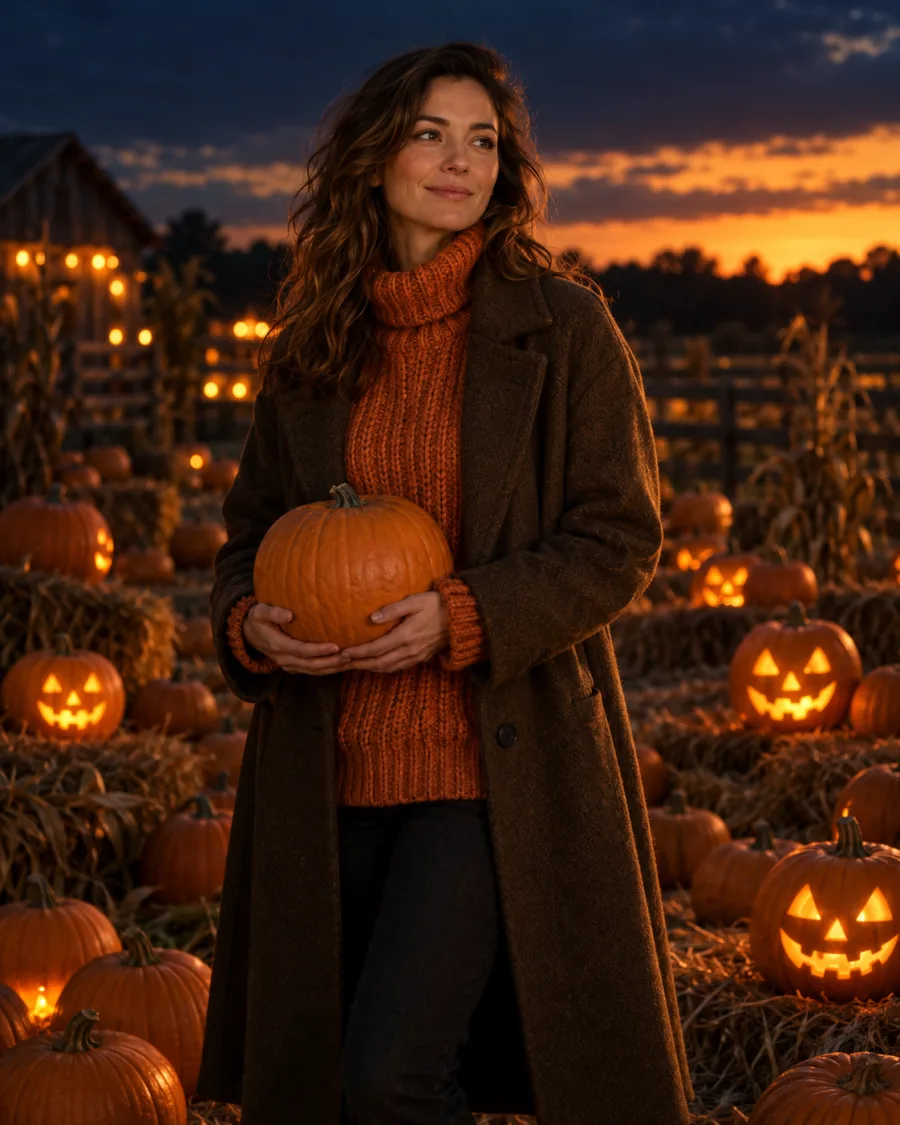
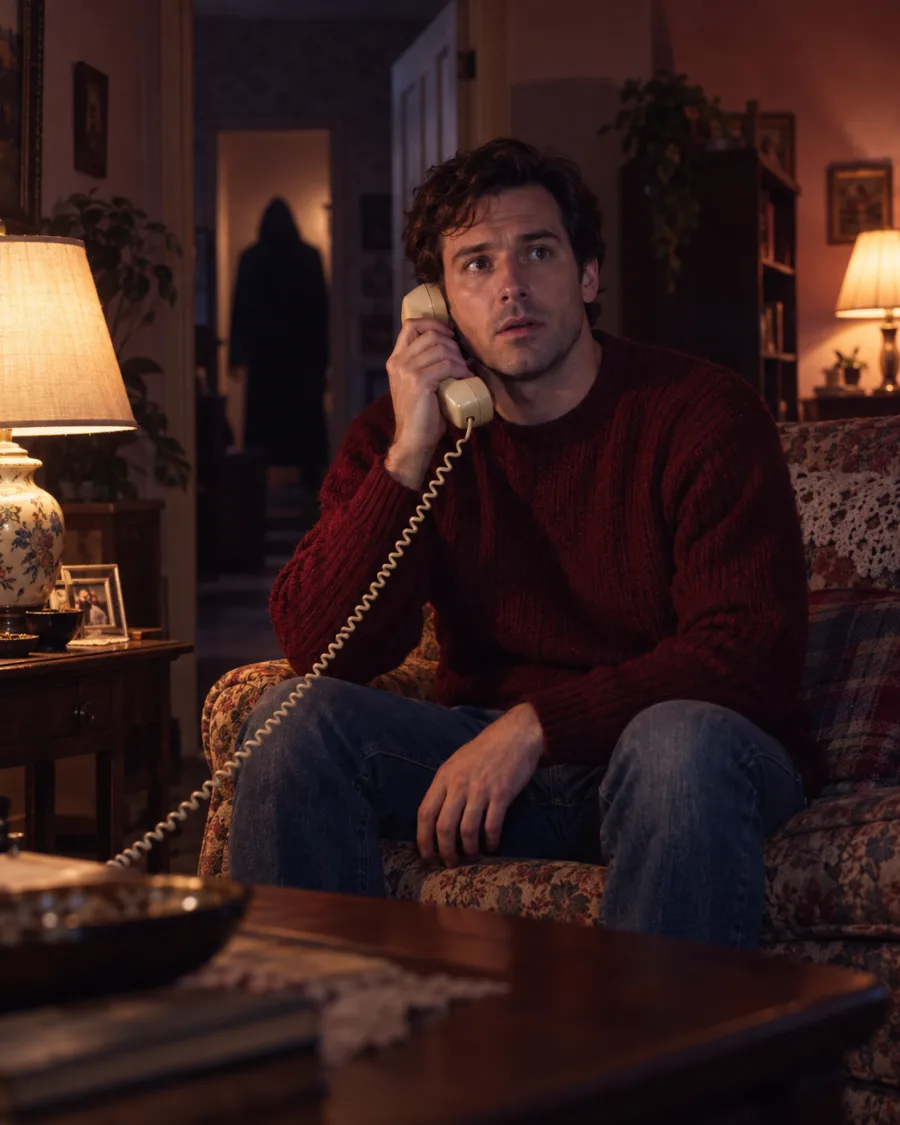
Try Y2K Horror for a retro bedroom scene, Gothic Portrait for candlelit drama, or Pumpkin Patch for a softer autumn setting.
Choose 1:1 for a square avatar, 9:16 for a vertical Story, or 3:4 for a portrait. The new scene can change your outfit, pose and framing.
Still have a question? Email us at support@aihalloween.me
It's a new Halloween portrait made from your selfie: you appear in a styled scene with a matching outfit, pose and lighting, with no studio, costume or photographer needed.
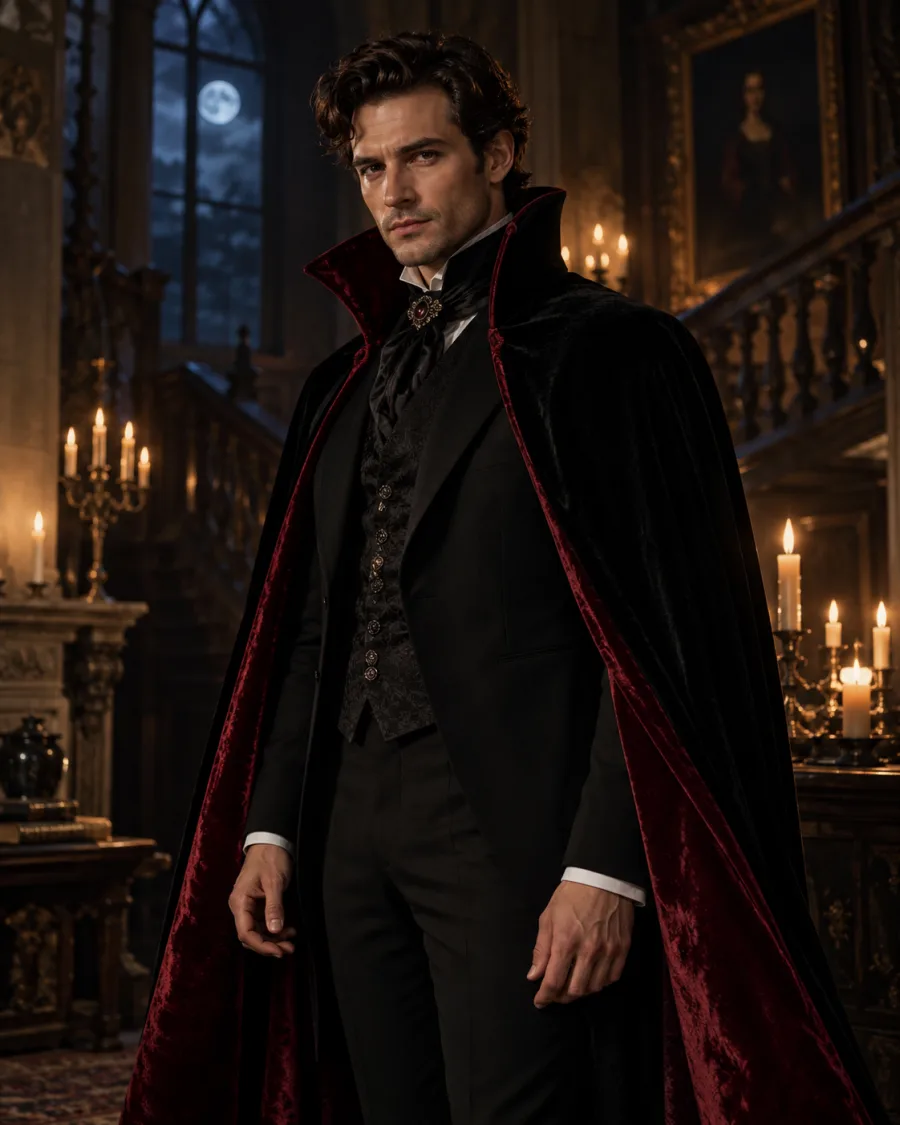
Y2K Horror, a late-90s bedroom with a masked figure in the doorway; Gothic Portrait, Victorian black and burgundy by candlelight; and Pumpkin Patch, a cozy autumn scene at dusk.
Yes. The scene, outfit and pose change, but your face stays recognizable. A clear, well-lit photo with your face fully visible gives the best likeness.
Yes. Pick 3:4 for a portrait, 9:16 for Stories and TikTok, or 1:1 for a profile picture.
No. Standard photos cost 2 credits, Pro 5 and Ultra 20. Credit packs start at $9.99 and there's no subscription. See pricing
Usually 1 to 2 minutes. Your photo shows up under Recent as soon as it's ready, and it's saved in your history.
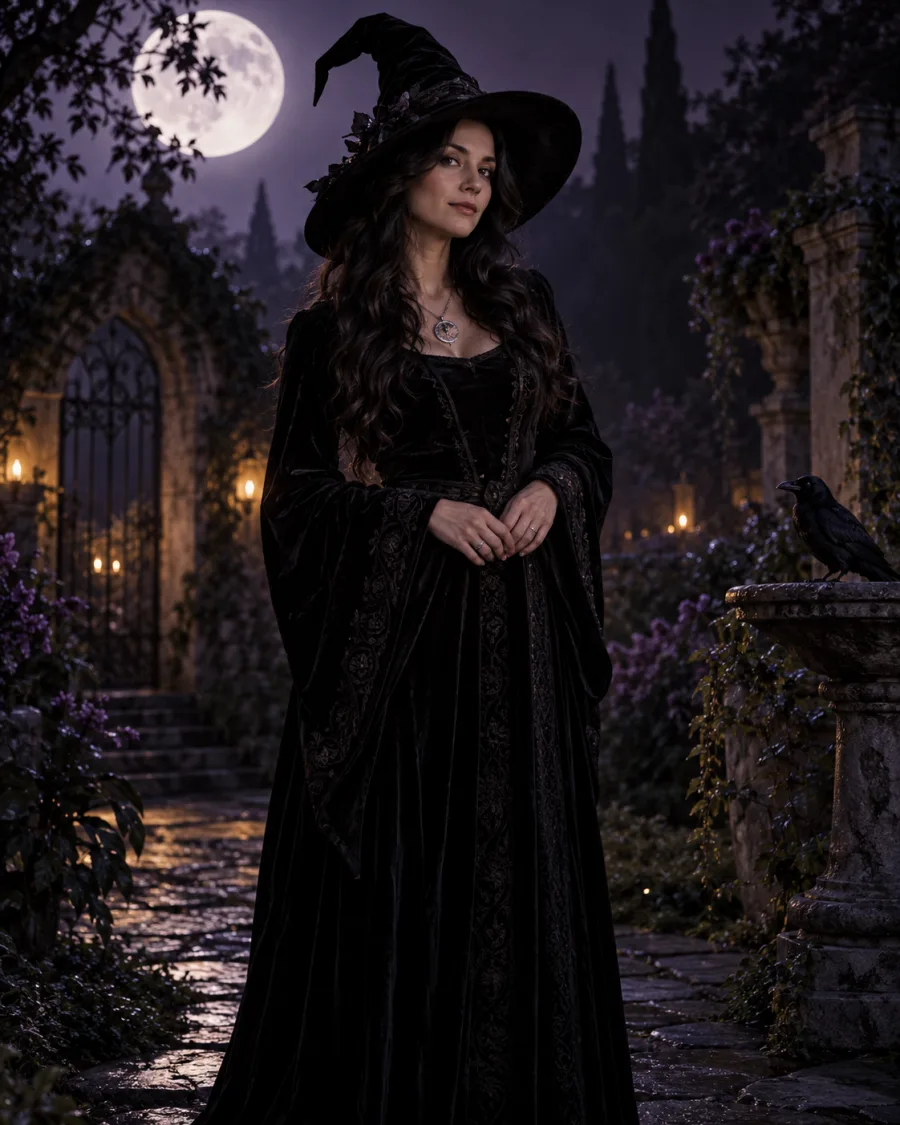
Try a witch, vampire, skeleton or zombie costume on your own photo.
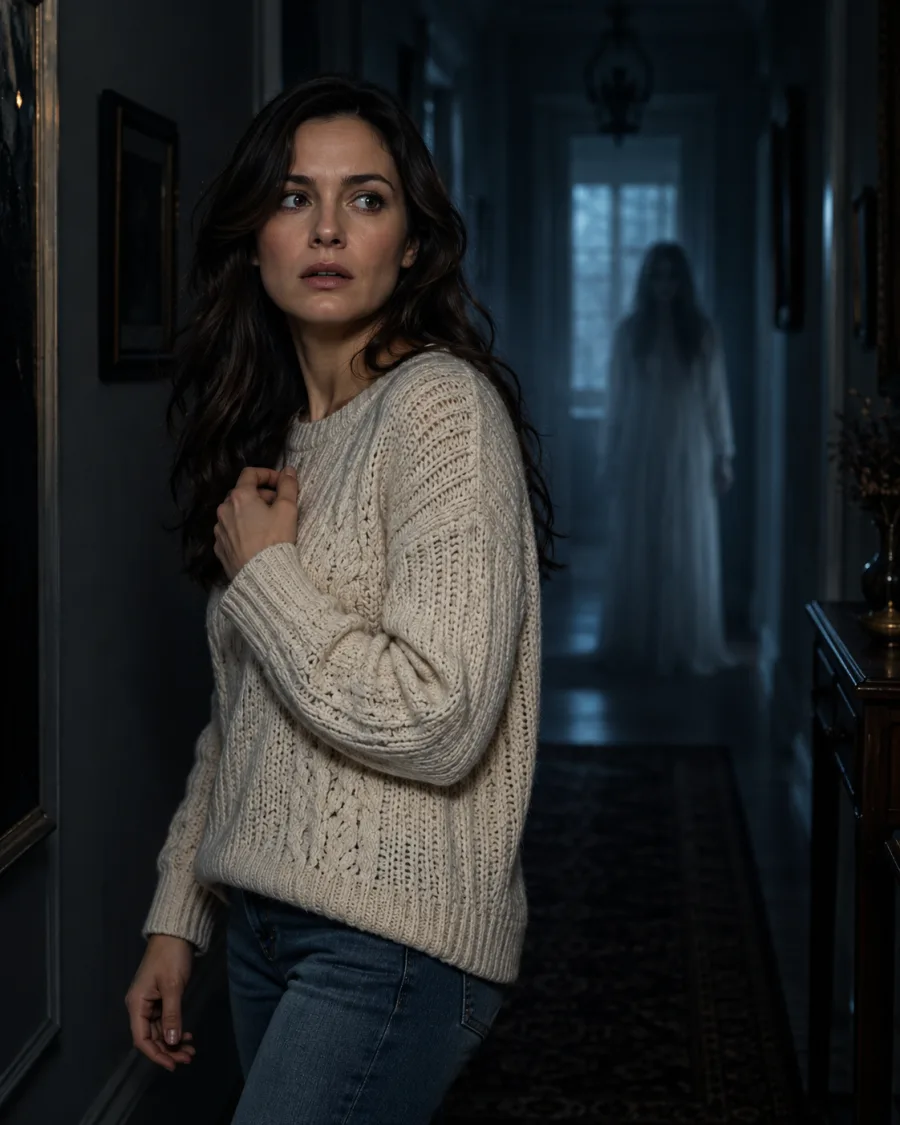
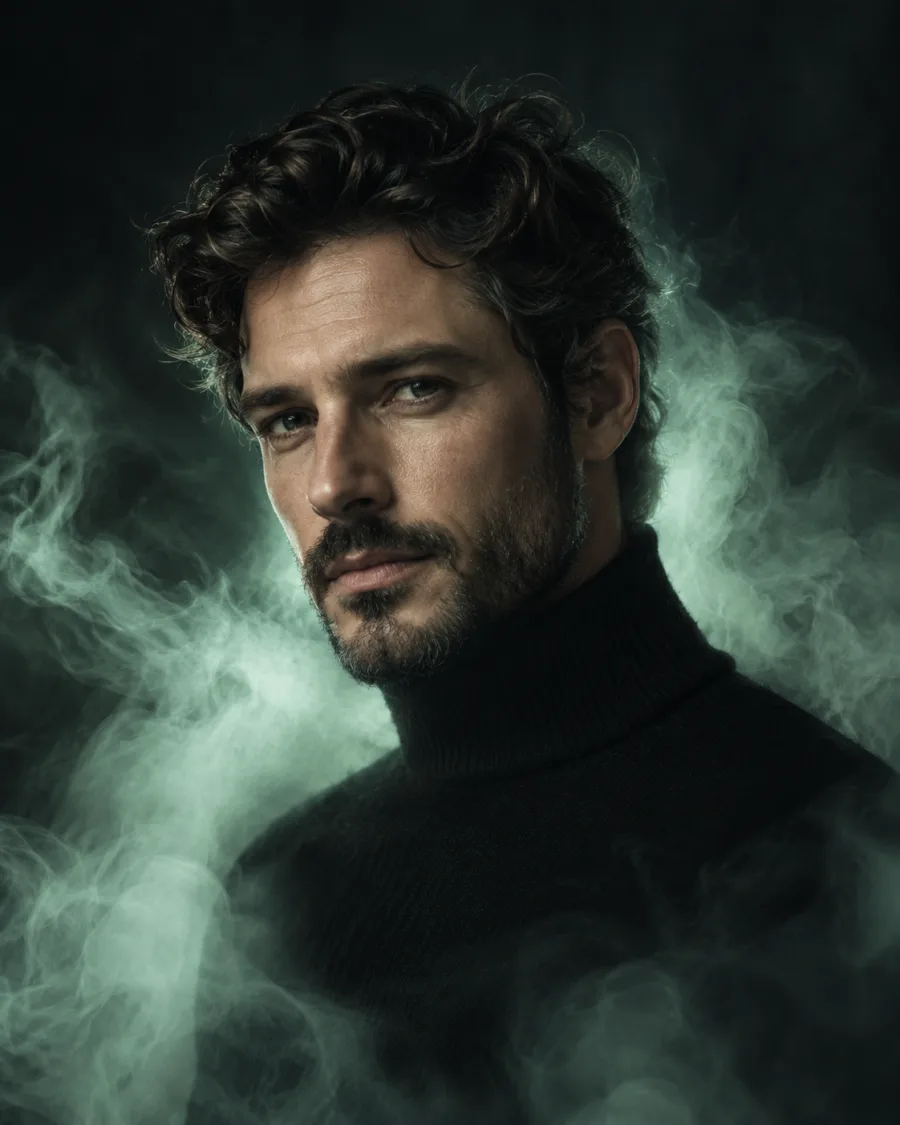
Keep a photo you love and add a ghost behind you or a ghostly glow around you.
Upload a photo, pick a look and see yourself in it.
Create my Halloween photo