 AI Halloween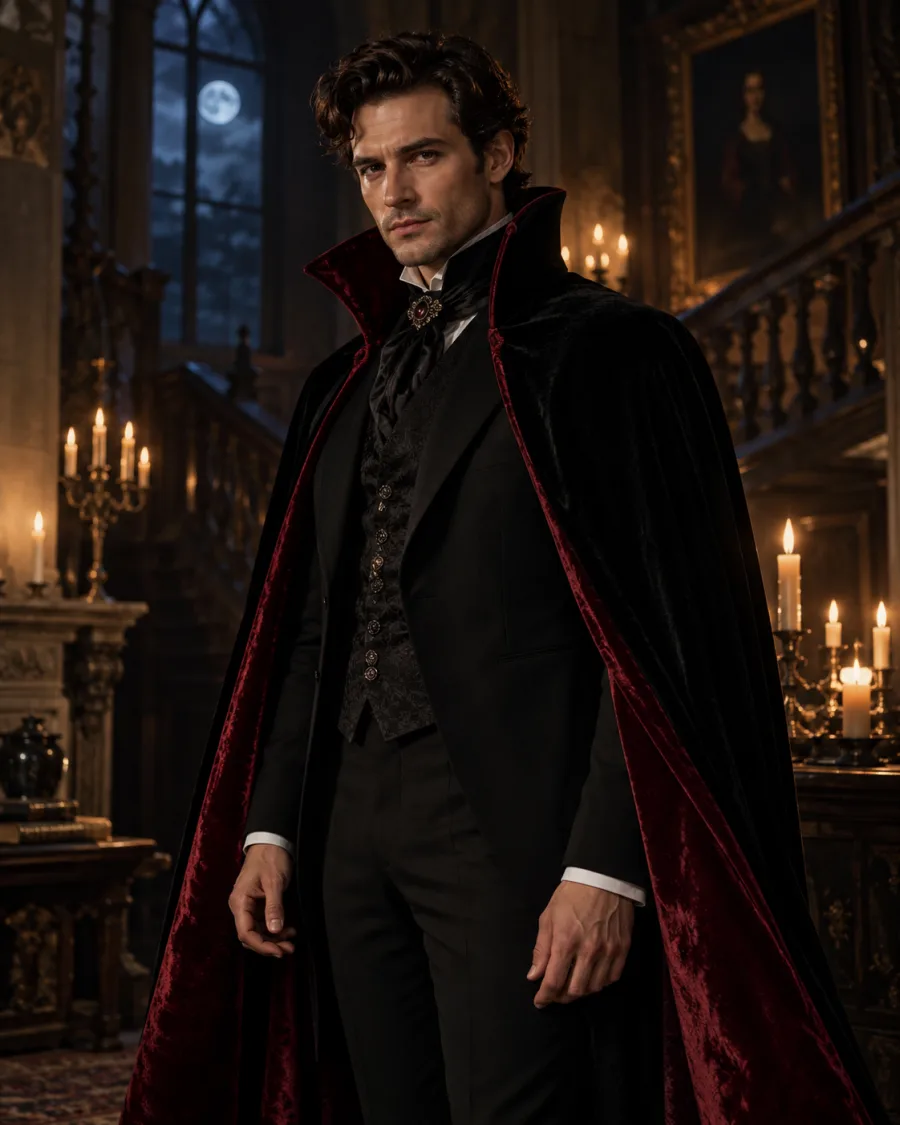
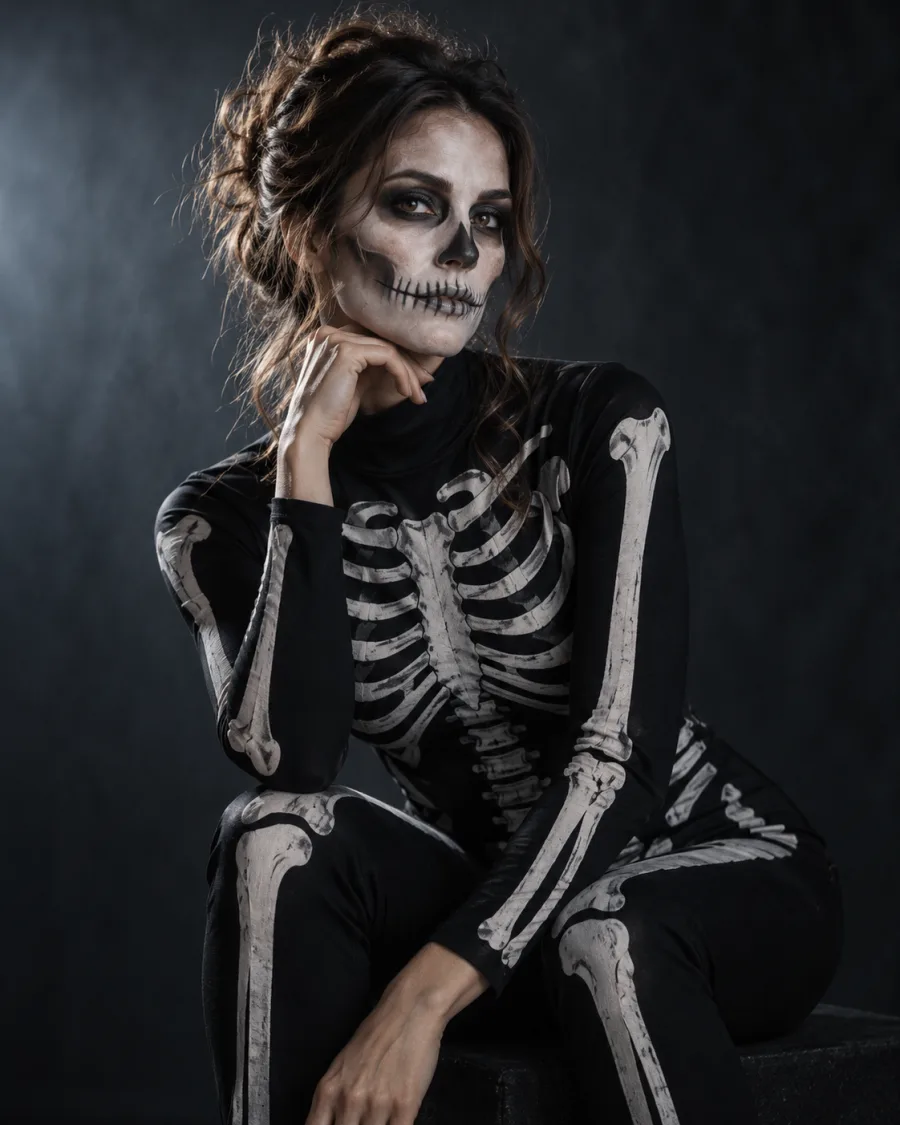
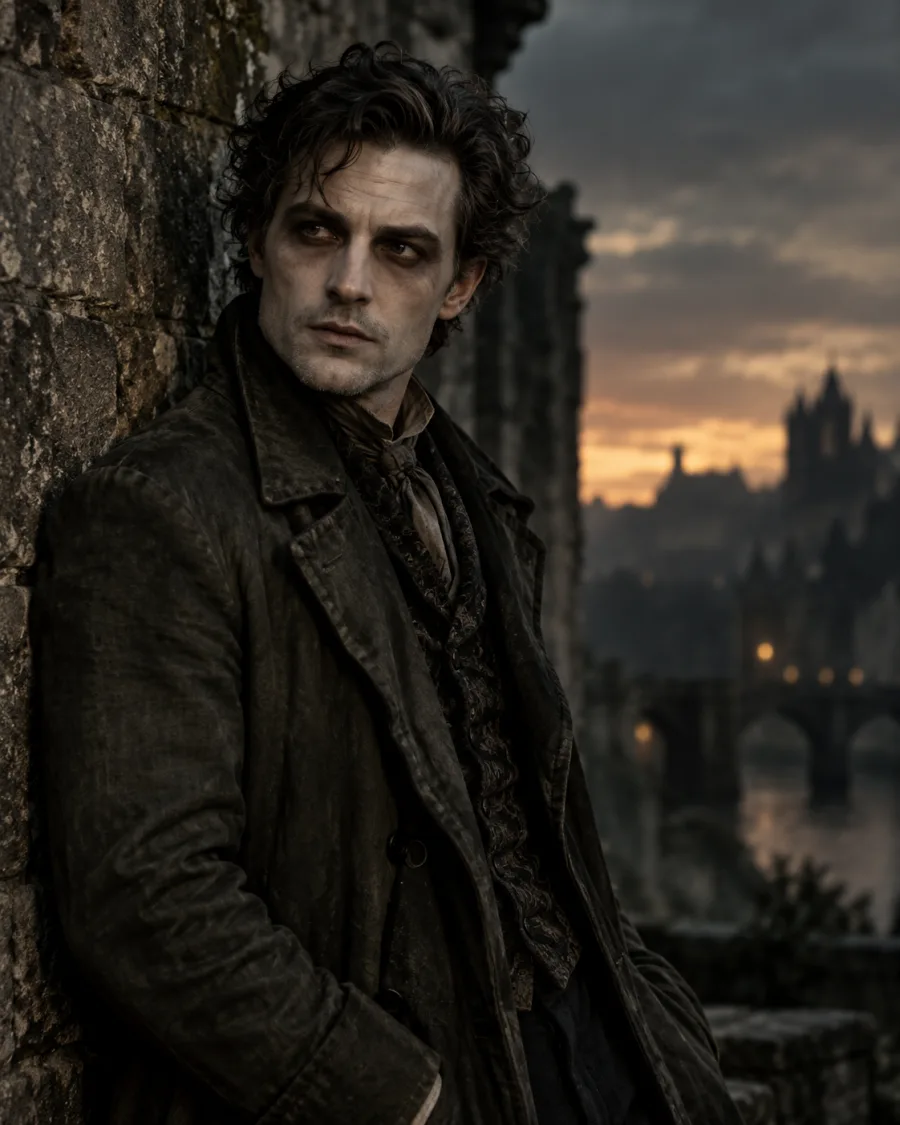
What stays
Your face, pose, framing and background. Small details can vary.
Try on a Halloween costume without buying one
See yourself as a witch, vampire, skeleton or zombie before you buy a thing. Your outfit changes; your face, pose and background stay.
Look
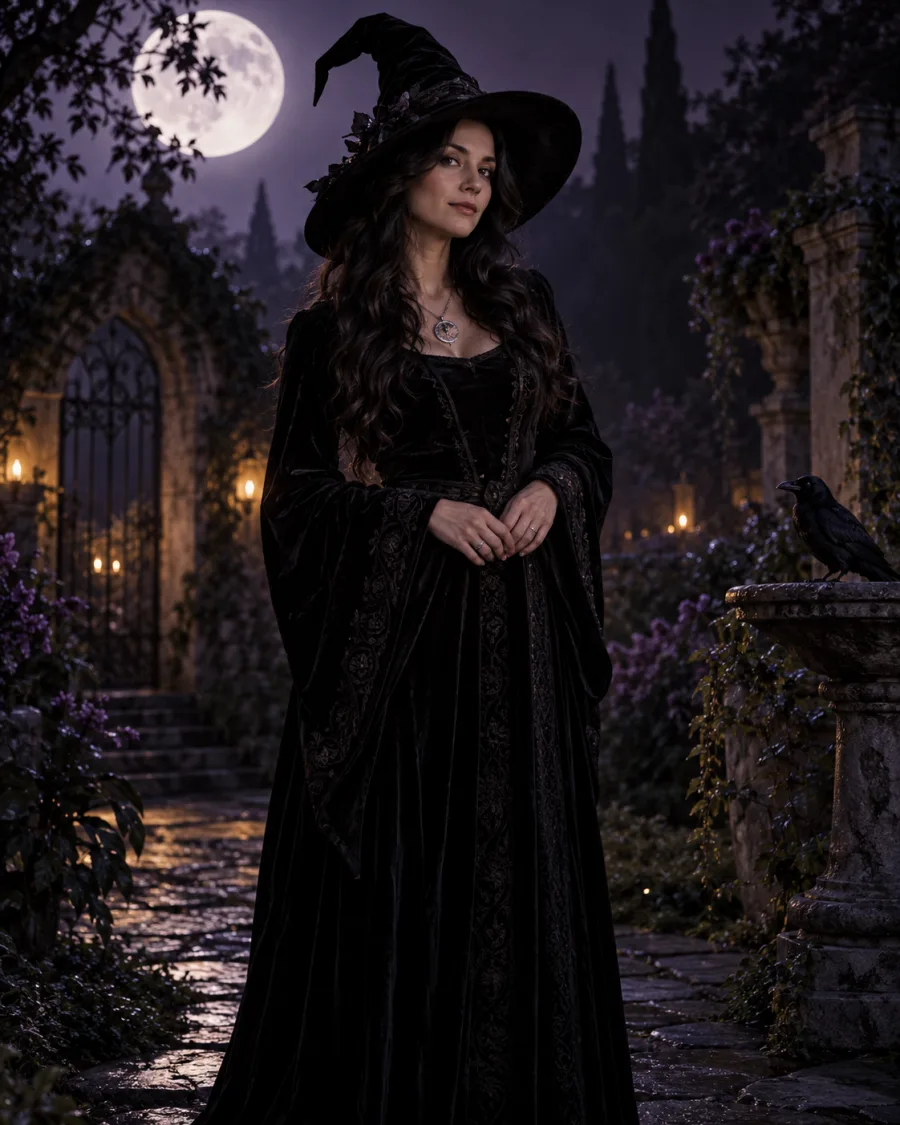 Witch
WitchYour photo
Want to show the whole outfit? Use a half-body or full-body photo. A selfie works too, but the costume shows from the shoulders up.
By uploading, you agree to our acceptable use policy.
Your Halloween photos appear here
Pick a look, upload your photo and create. Your results will appear here, ready to open and save.
Your face, pose, framing and background. Small details can vary.
The clothes and accessories you can see, plus costume makeup for Skeleton and Zombie.
A half-body or full-body photo shows more of the costume. A selfie works too; you'll see the costume from the shoulders up. Plain, well-lit clothes give the cleanest result.
Choose a costume, a photoshoot scene or a spooky effect.
Use a clear, well-lit photo of one person with the face visible.
Choose a quality, create your photo, then open it to save.
You can still try a look. The costume appears on the body visible in your photo, so a selfie mainly shows the neckline, shoulders and accessories.
Start with a half-body or full-body photo. Keep arms and clothing visible, with even light and a clear face.
Compare the mood of Witch, Vampire, Skeleton and Zombie before you buy or make an outfit. The image can't predict size, fit or an exact store-bought costume.
Still have a question? Email us at support@aihalloween.me
Upload a photo, pick Witch, Vampire, Skeleton or Zombie and create. The clothes and accessories you can see are swapped for the costume, and Skeleton and Zombie add makeup. Results vary.
No. A full-body photo shows the whole costume, and a selfie shows it from the shoulders up. The costume only appears on what's visible in your photo.
Yes. Your background, pose and framing carry over, though small details can change. Choose Photoshoot for a new scene instead.
Yes, as a quick way to compare ideas before you buy or make one. The images are creative previews, not size-accurate fittings.
Choose Costume Try-On to change the outfit in your existing photo. Choose Photoshoot for a new setting, outfit and pose.
No. Standard photos cost 2 credits, Pro 5 and Ultra 20. Credit packs start at $9.99 and there's no subscription. See pricing
Usually 1 to 2 minutes. Your photo shows up under Recent as soon as it's ready, and it's saved in your history.
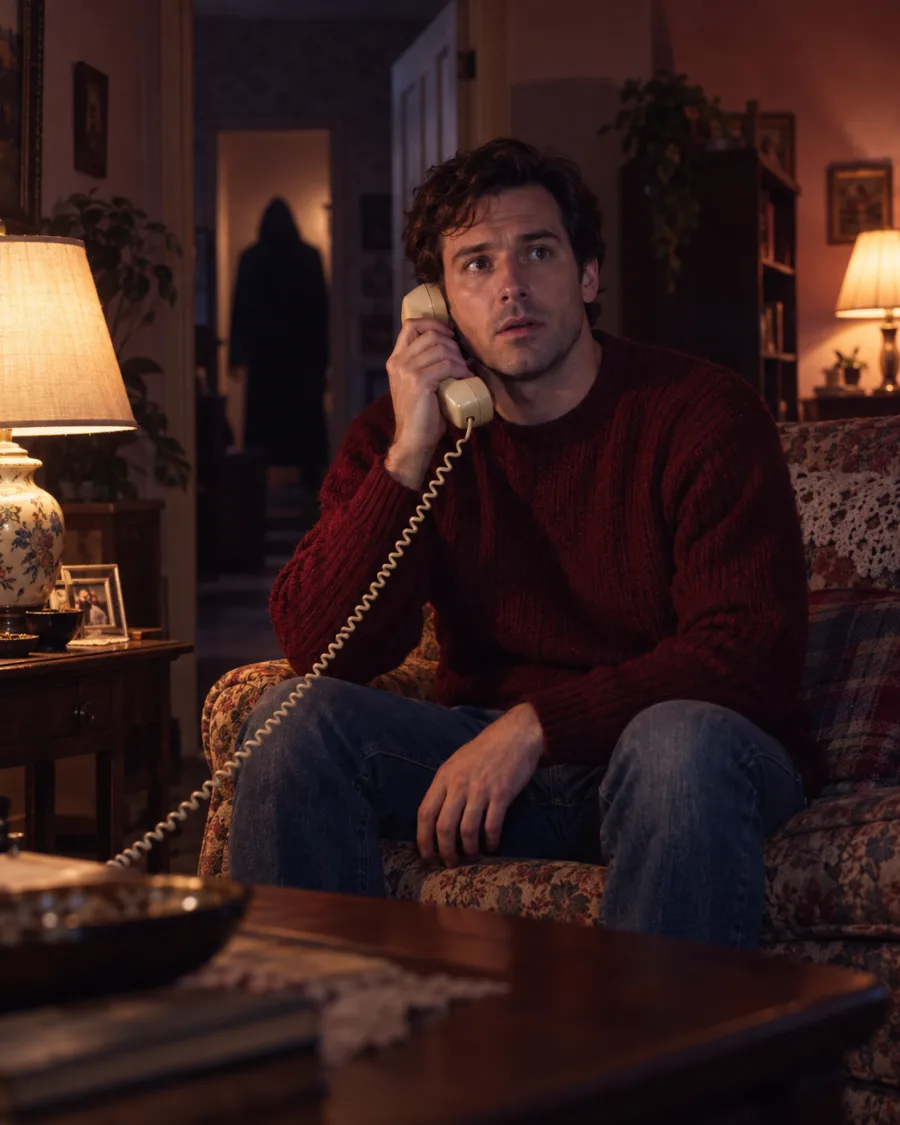
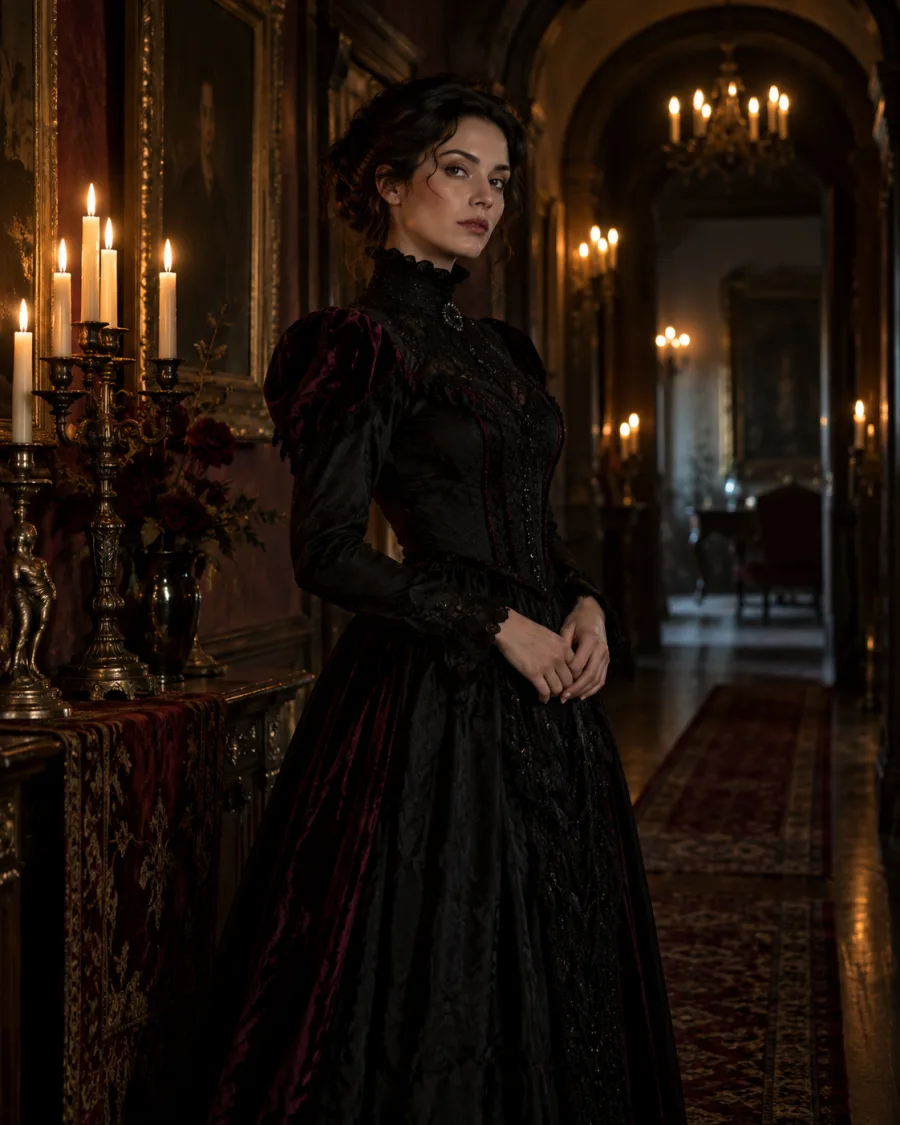
Get a brand-new Halloween scene with you in it, styled and lit for the look you pick.
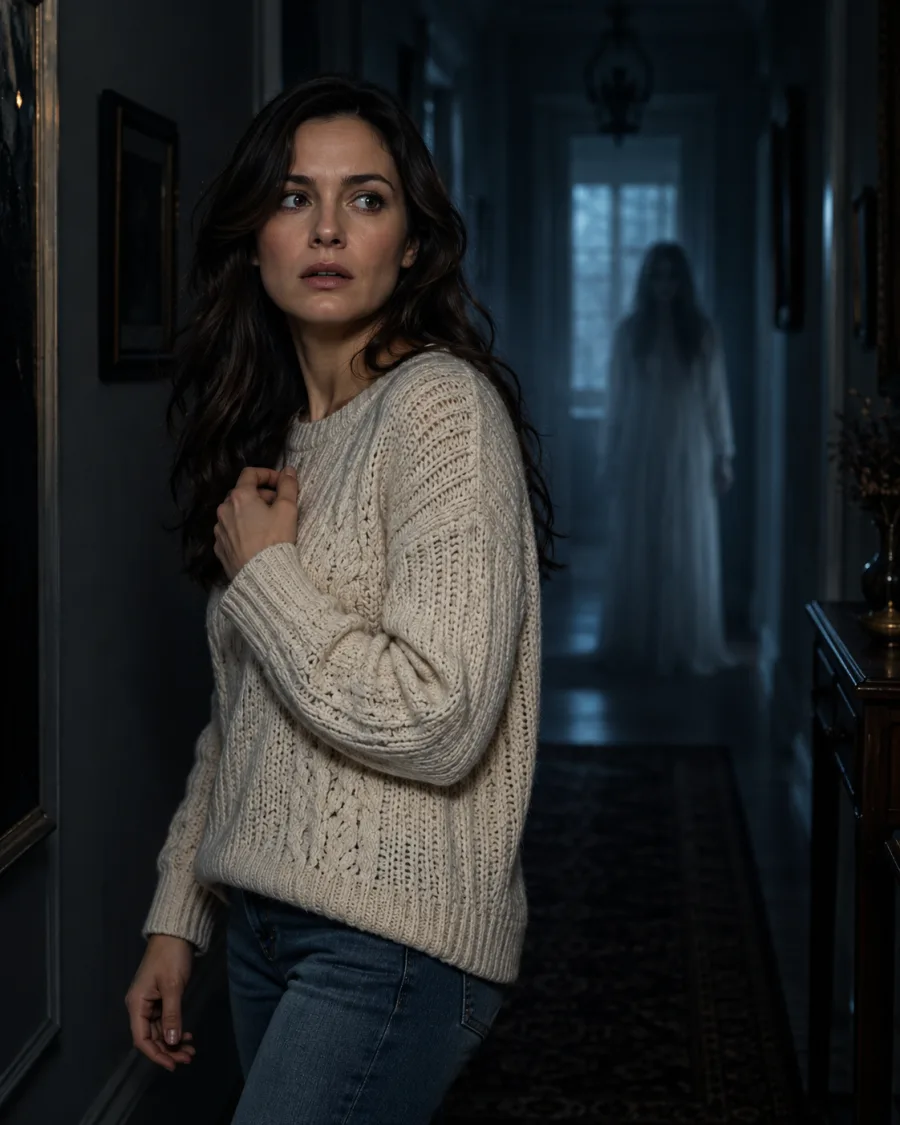
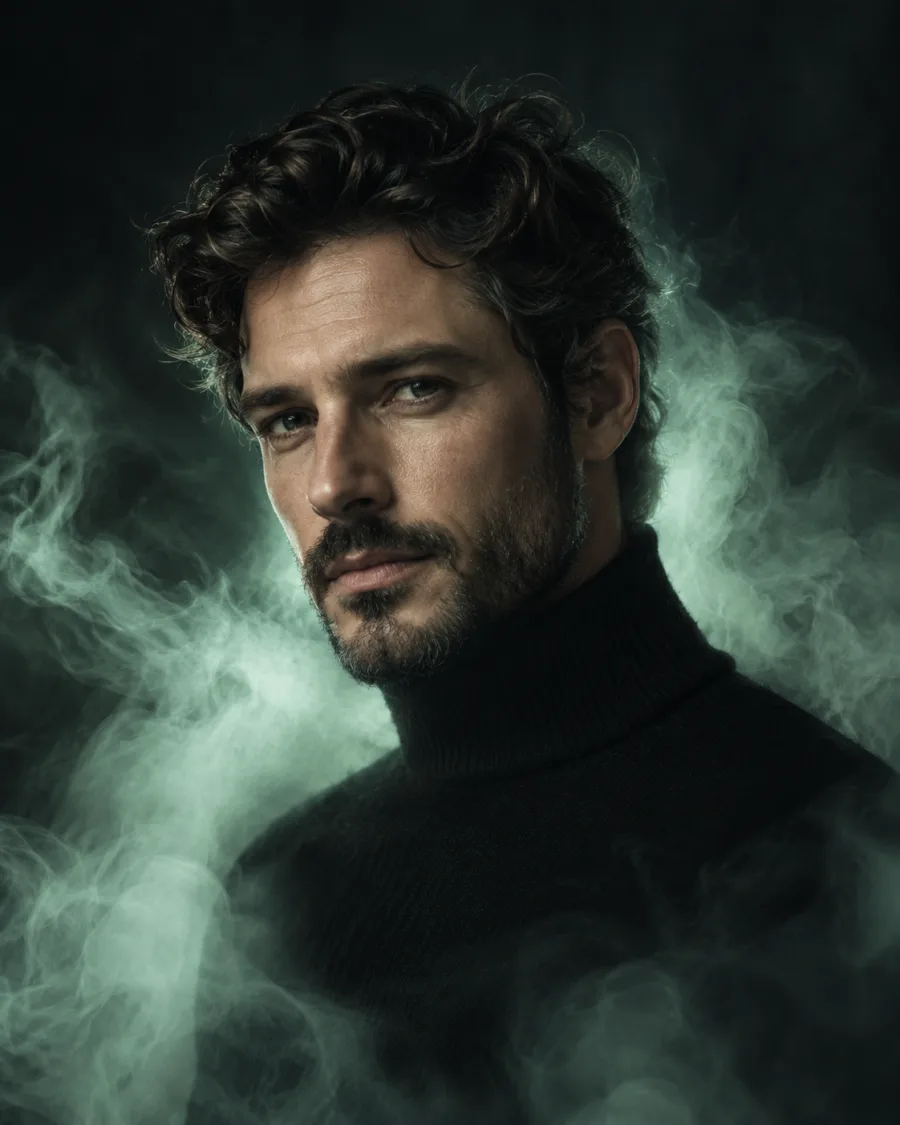
Keep a photo you love and add a ghost behind you or a ghostly glow around you.
Upload a photo, pick a look and see yourself in it.
Create my Halloween photo